







Stock
$5 a month
Expiry dates, camera receiving, stock, reports, the cloud for several phones.
Start freeReceive stock with the phone camera, sell at the till and see expiry dates ahead of time. For small shops, with no computer and no accounting software.
Three things the seller already does every day.
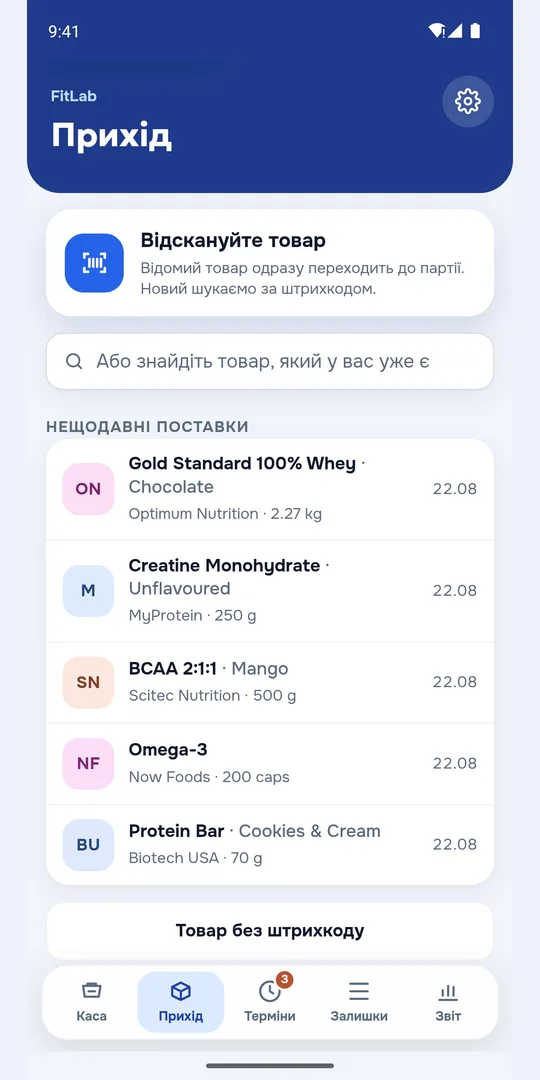
Scan the barcode or snap the package: Shelf reads the name, size and expiry date by itself. Every delivery becomes a batch with its own date.
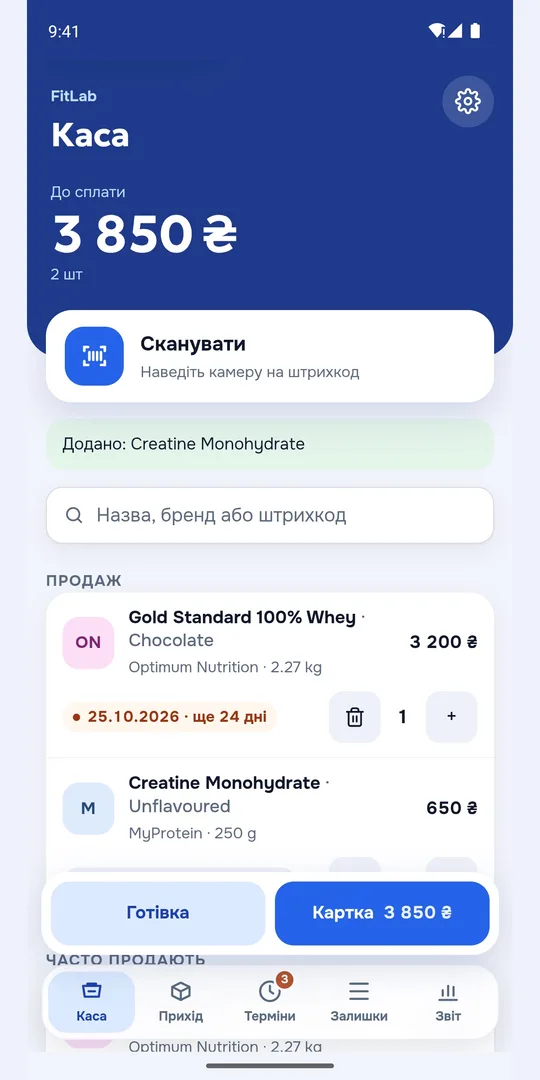
At the till Shelf takes the batch that expires first. Stock for every batch counts itself.
The phone reminds you what expires in a week or a month, while it can still be sold.
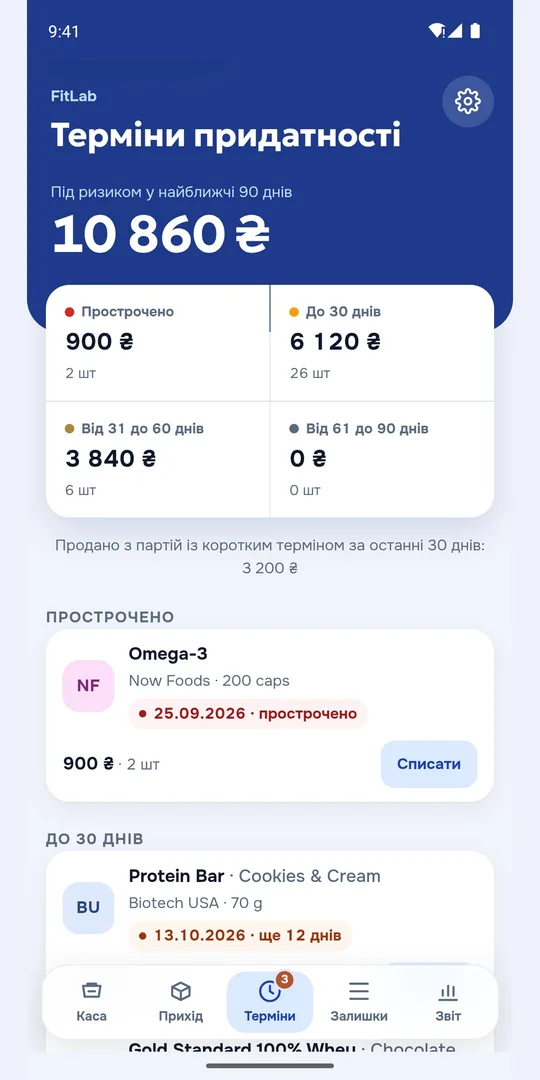
One product, several deliveries, each with its own date. You see what is expiring and what can no longer be sold.
Point it at the package: name, brand, size and expiry date fill in by themselves.
A sale in a couple of taps. Fiscal receipts through Checkbox for sole traders in Ukraine.
The customer pays by card with a QR code: monobank in Ukraine, Halyk Bank in Kazakhstan.
Your stock lives on the phone. No network, and the till and receiving still work.
One stock across every phone in the shop. Data is encrypted on the phone, so we cannot read it.
The first month is free on any plan, no card needed.
Expiry dates, camera receiving, stock, reports, the cloud for several phones.
Start freeAll of that, plus fiscal receipts through your register.
Start free
First month free. Your data stays yours.