The runs a script cannot reach: your session, your browser.
Where the flow is already scripted, Playwright does the job and we say so out loud. Where it is not, an empty browser has to sign in first: a client's staging behind SSO, a state you reached by hand, the page you are standing on right now. This one is already there.
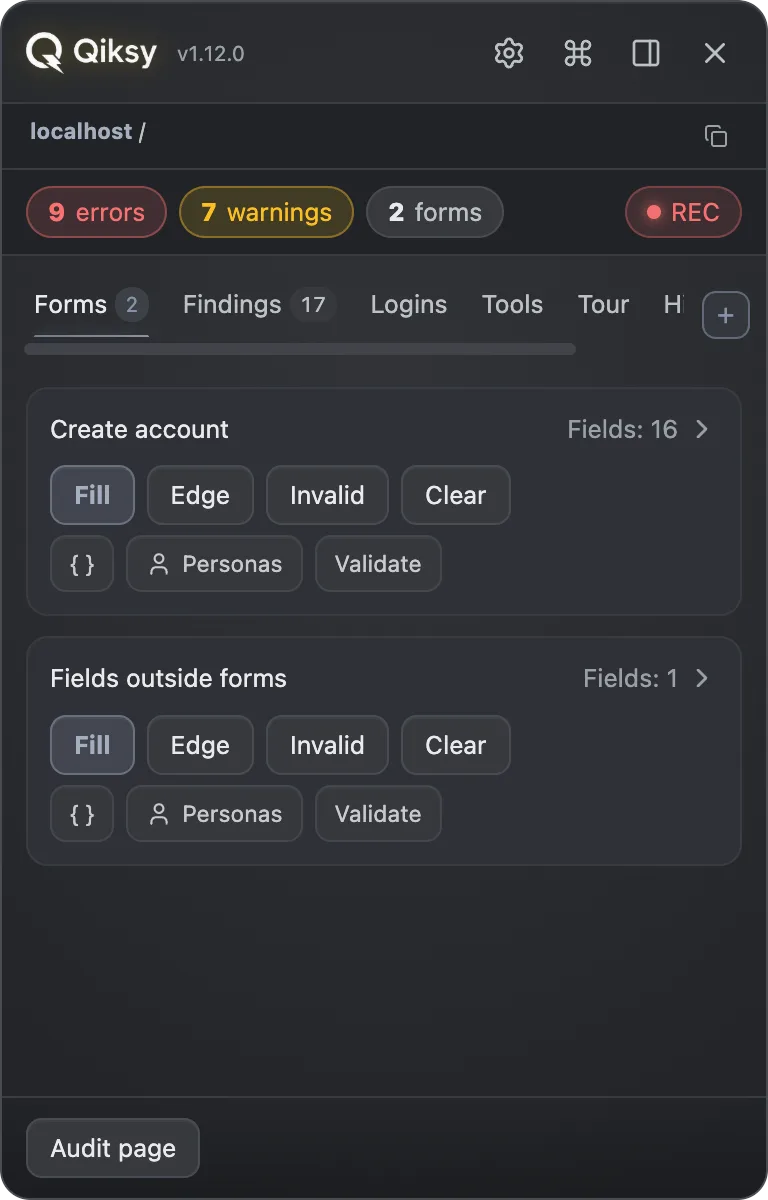
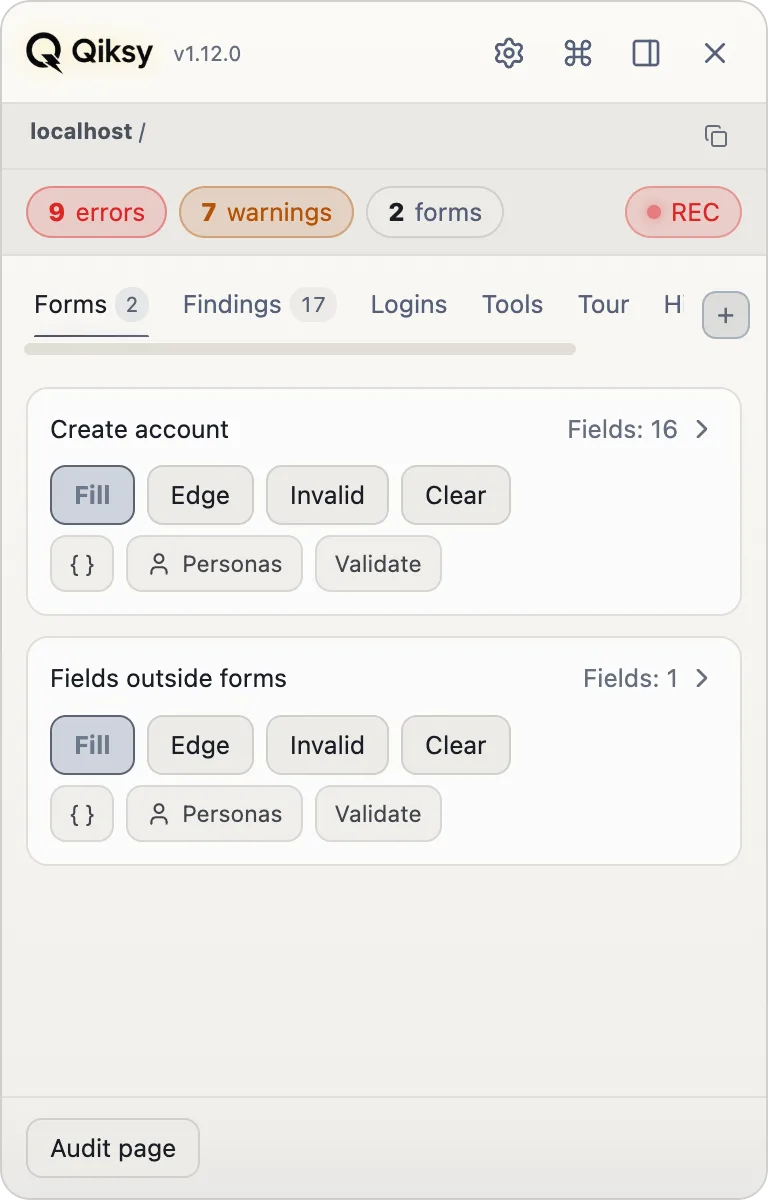
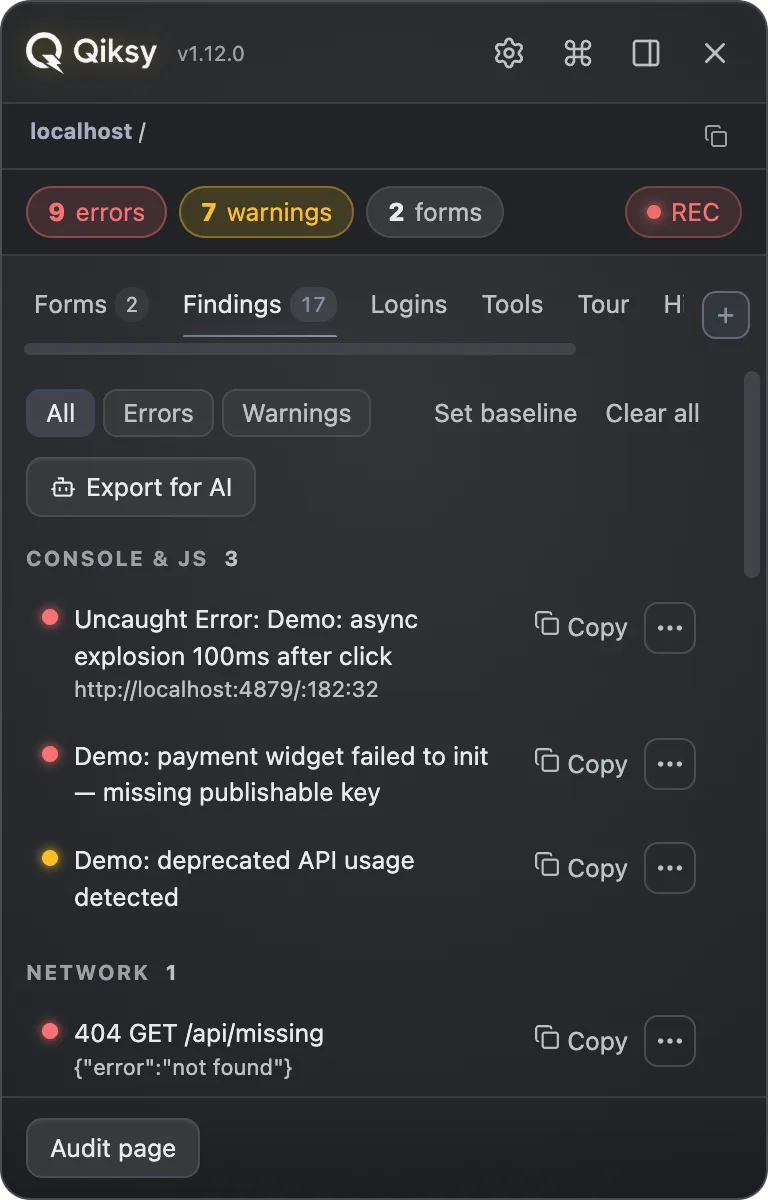
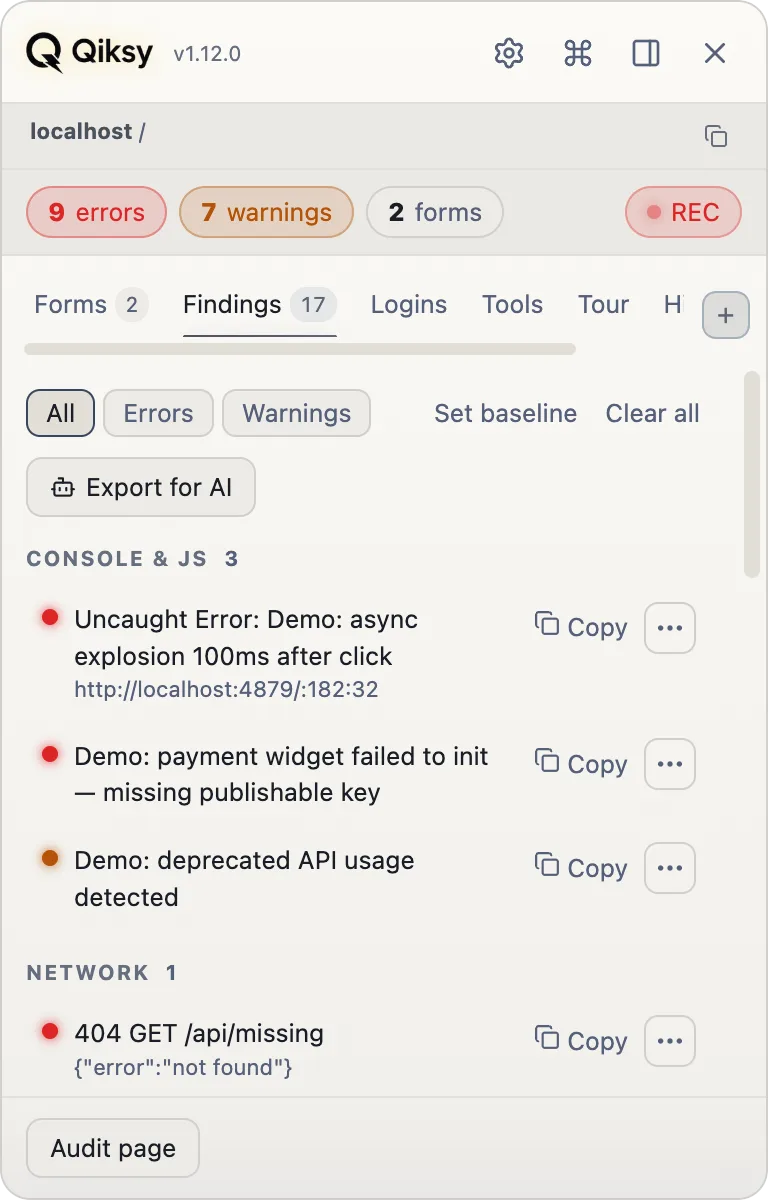

The human drives. Qiksy notices.
Every "AI tests your app for you" tool dies on the same rocks. Qiksy sidesteps all three by keeping you in the seat and helping on every step.
The auth problem vanishes
SSO, MFA and captchas kill autonomous agents. You're already logged in and on the right screen, and Qiksy just helps from there.
Works on any site instantly
It's an overlay, not an integration. Drop it on any web app, whether an internal tool, staging or prod, and it works. No SDK, no pipeline.
Honest, not magic
"AI won't miss a bug" is a promise that breaks on the first miss. "Reminds you of edge cases and catches violations while you test" is one we keep.
Five steps, all one click each.
This is the whole workflow, from opening a page to handing a fix to a developer or an AI agent.
Detect
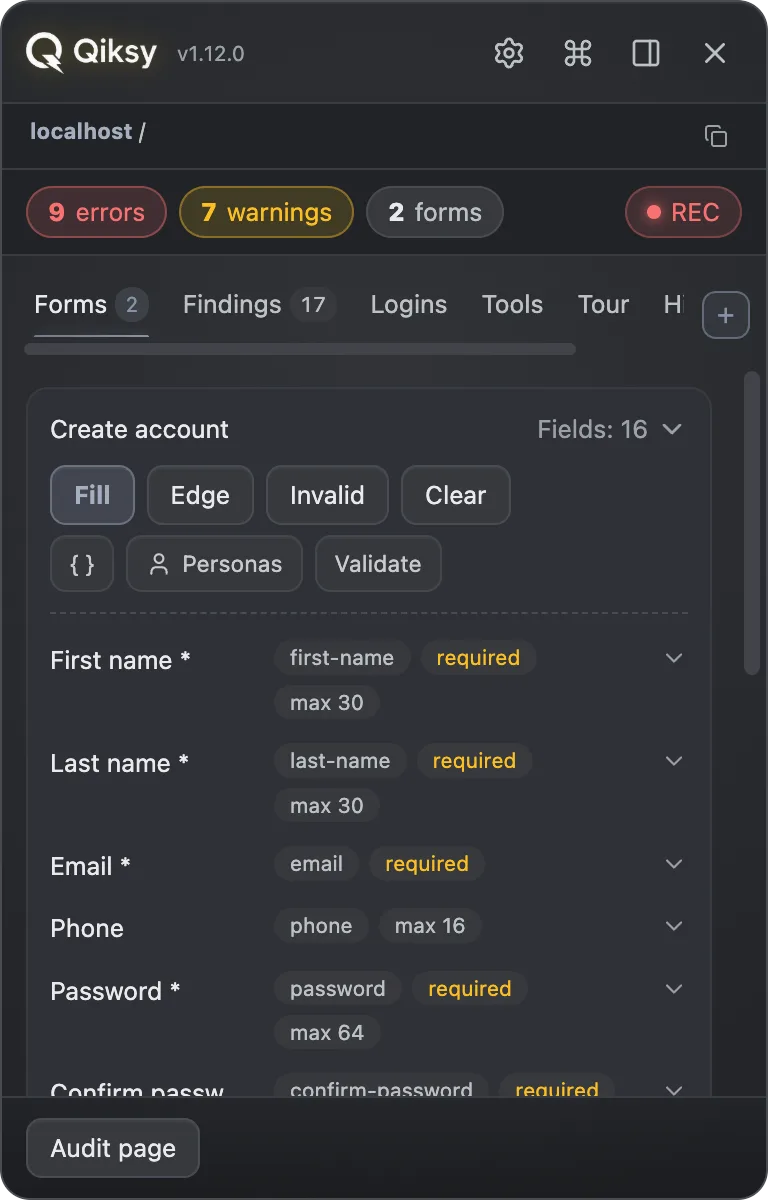
Qiksy scans every form and shows what it understood about each field: label, type, constraints. Transparency you can trust.
Fill
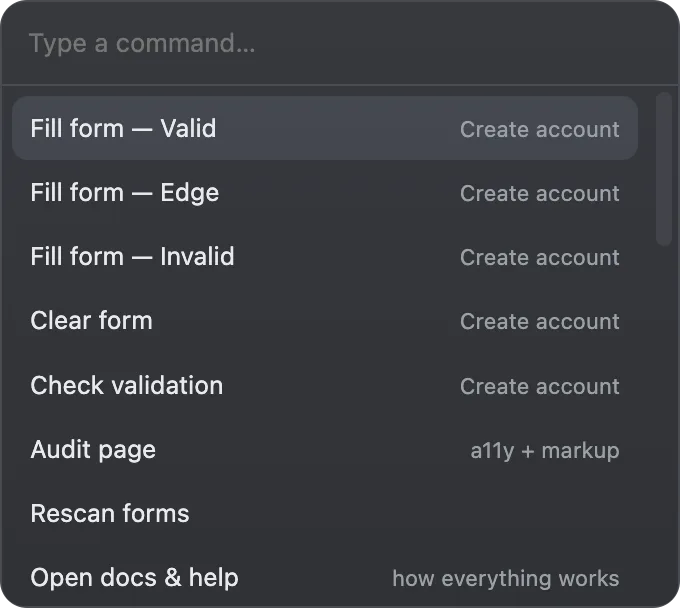
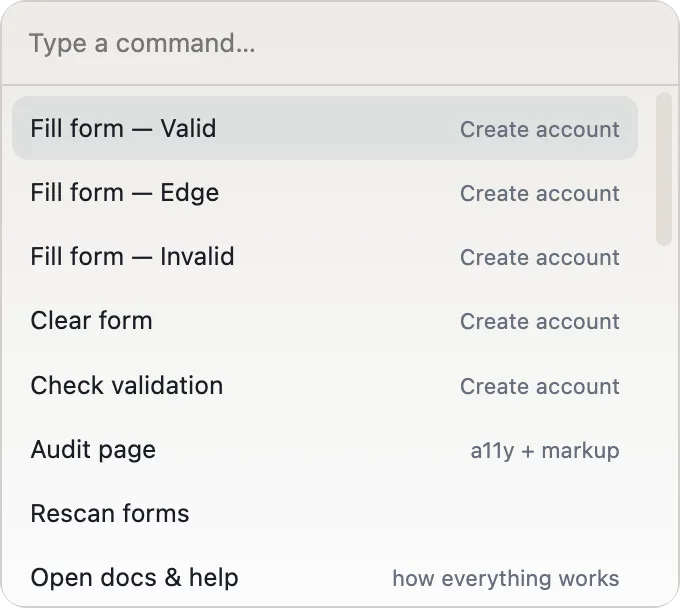
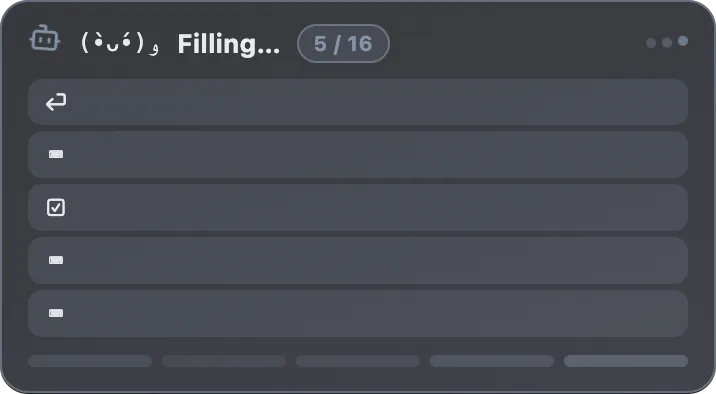
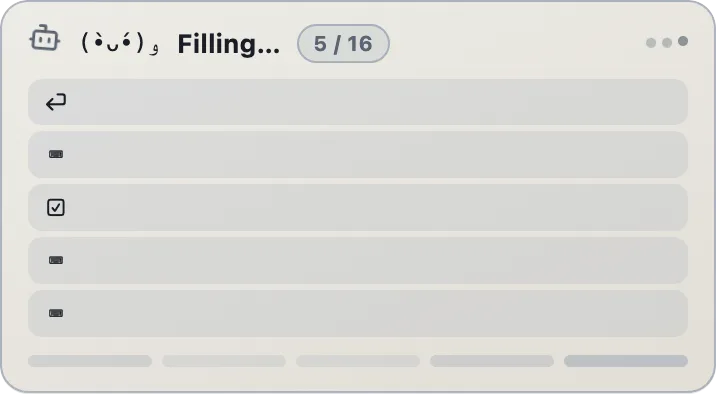
One click drops a coherent scenario: Valid persona, Edge (max lengths, unicode), Invalid (broken formats, XSS probe), or Clear. Not faker garbage.
Catch
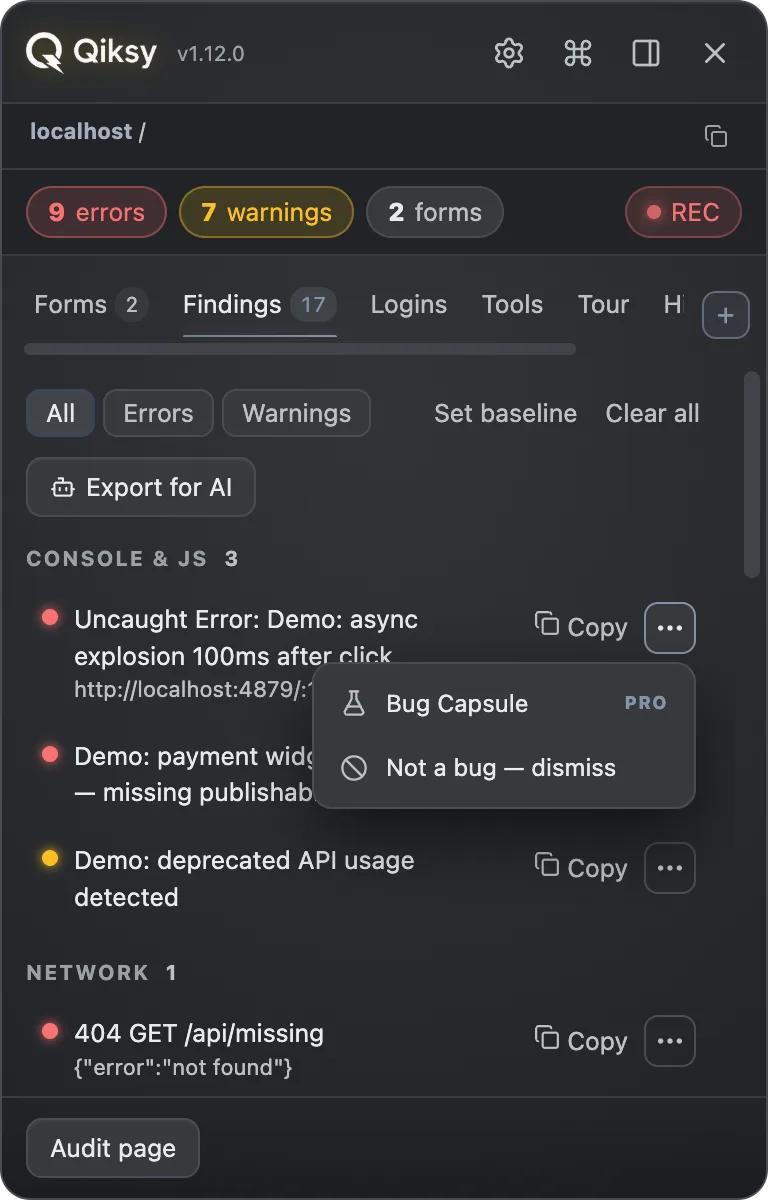
As you click, violations stream in: console errors, failed requests with the server body, and WCAG AA / markup issues.
Copy
Any finding copies as a paste-ready bug report, with selector, repro steps, screenshot and environment attached.
Hand off
Export the whole session for an AI agent, or generate a client-ready walkthrough report. The fix loop closes itself.
A full QA cockpit, in a side panel.
All of it free, all of it on from the first minute, the recorder and the reports included. Pro is one thing: the bridge to your coding agent.
Smart form fill
Persona-coherent data, meaning matching emails, confirm-passwords and valid country options, across native inputs, ARIA custom widgets (Radix/shadcn date pickers, comboboxes) and even file uploads: a neutral image or document, matched to what the field accepts.
Live findings
Console errors, JS exceptions, unhandled rejections and failed network requests, captured from document_start, deduped, severity-filtered.
Page audit: WCAG AA
Unlabeled controls, buttons without accessible names, contrast failures, broken images, duplicate ids, missing lang, positive tabindex. And over the agent bridge (1.6): the bundled <b>axe-core</b> rule engine, a Tab-route walk that lists what a keyboard user can never reach, and a check that toasts are actually announced to screen readers.
Submit watcher
Correlates a submit attempt with failed requests, native validation, aria-invalid and error toasts, reporting the real message, not just "invalid".
Session recorder
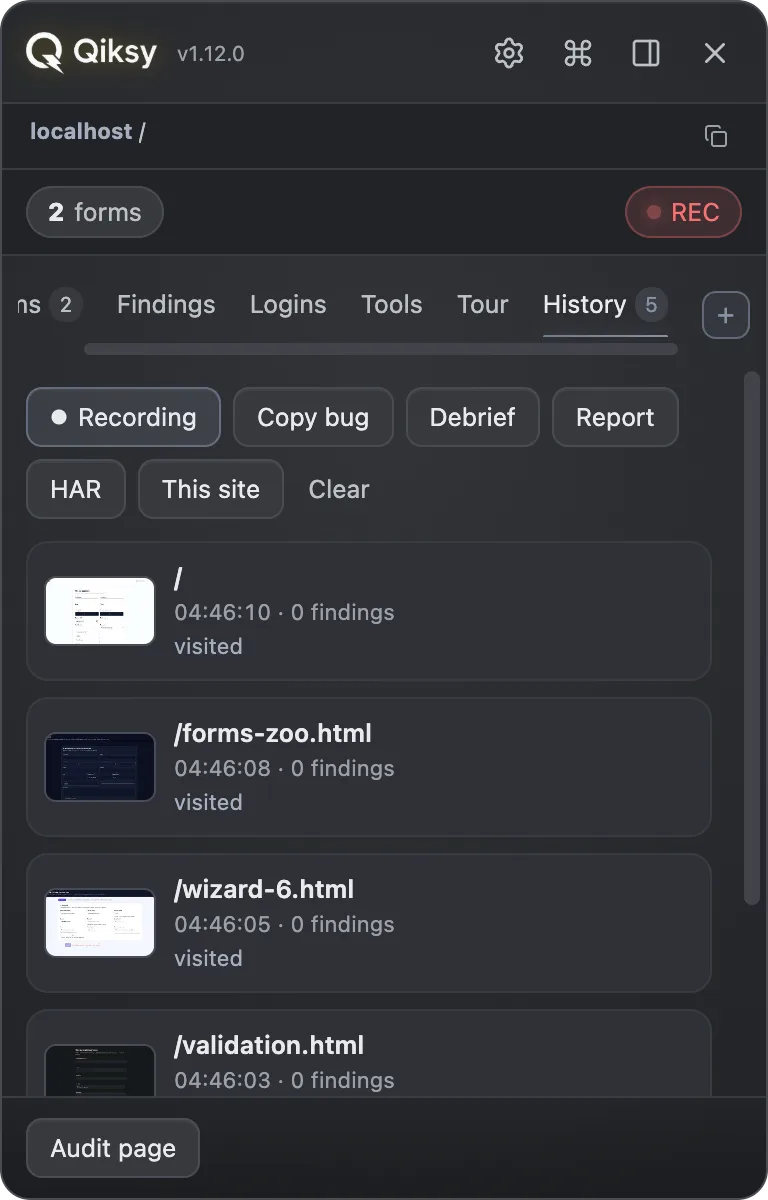
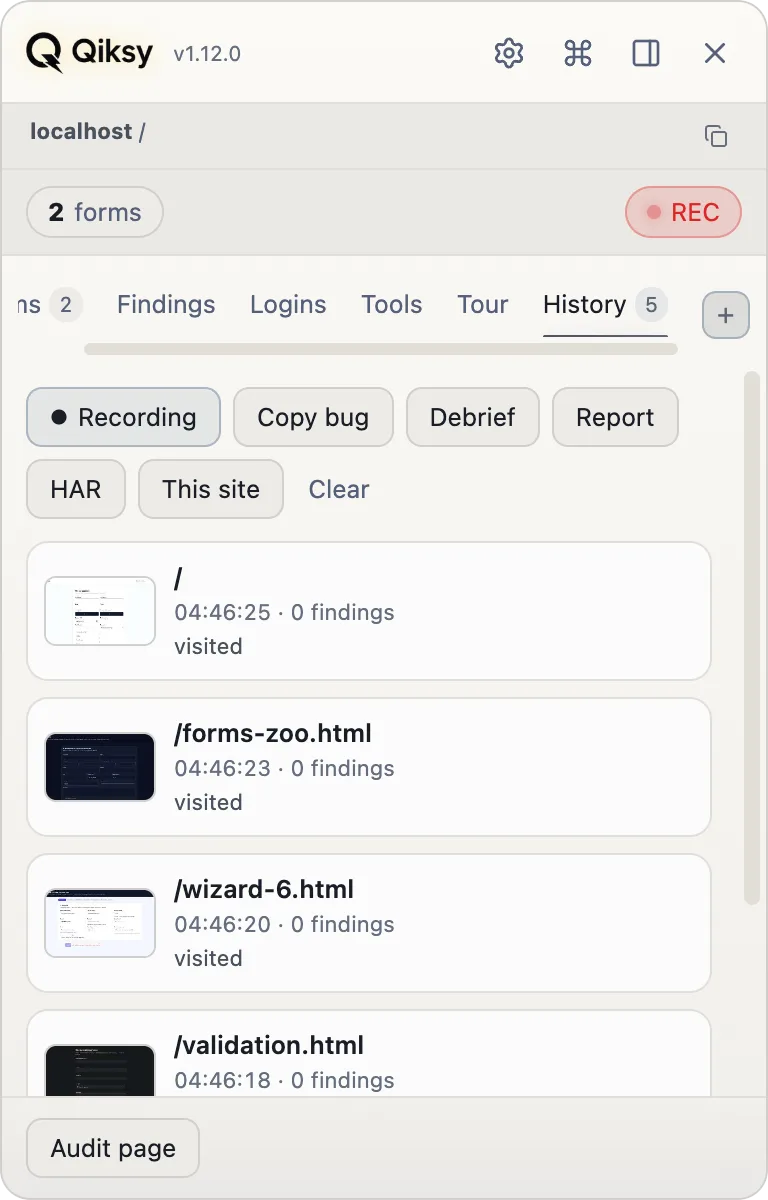
A cross-navigation timeline: every page visit with its findings, network log and a screenshot thumbnail. Export a bug, a HAR, or a report.
Roles & RBAC
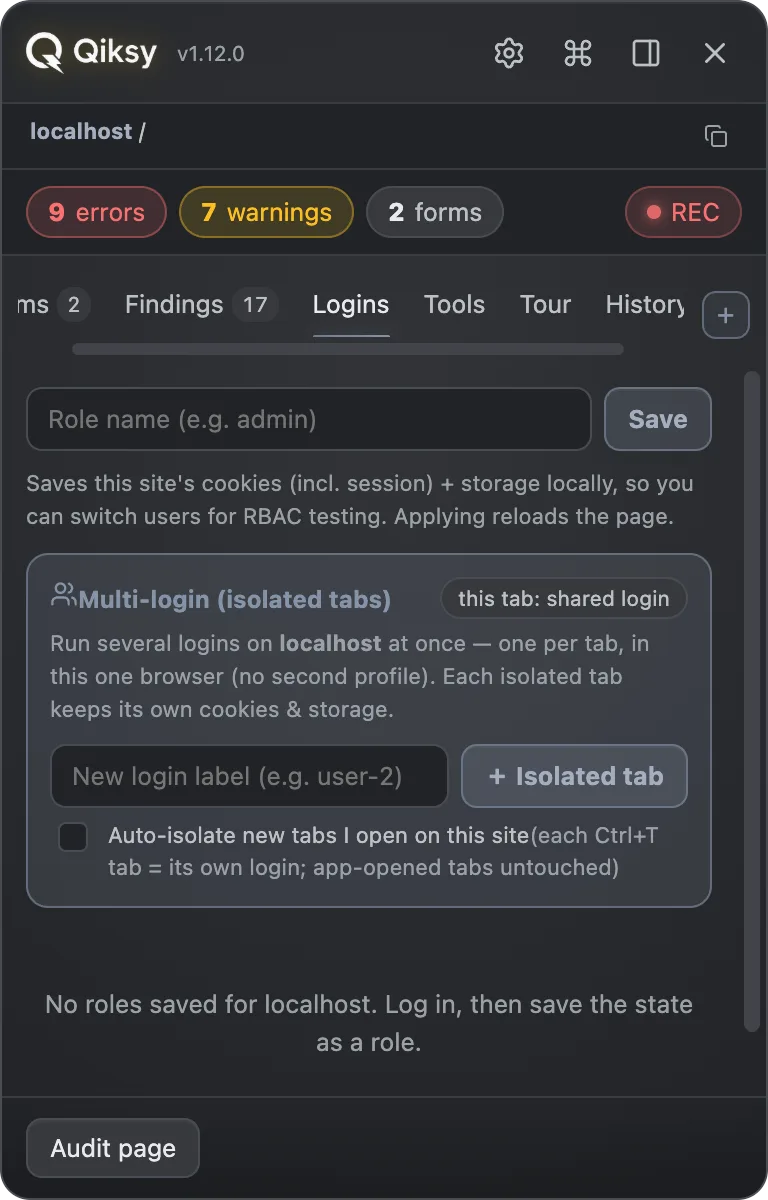
Save an origin's auth as a named role, cookies (incl. HttpOnly) and localStorage and sessionStorage, then restore it to test admin vs. member vs. anon.
Reads styles, not just structure
Computed colour, type, spacing and the CSS custom properties in scope, so “this button renders #3B82F6 at 15px” is a fact you can check against the design, not a squint at a screenshot.
Edge-value arsenal
Right-click any field for BLNS naughty strings, falsehood names, boundary numbers, injection probes and Stripe test cards, all kind-aware per field.
Test-data vault
Named personas per site: apply, edit as JSON, export/import to share with the team. Save a form's current values in one click.
Hostile files for upload fields
Attach a 0-byte file, a 12 MB one, a PNG named .pdf, a 255-character filename, or an SVG carrying a script: the naughty-strings idea applied to the control that breaks most often.
Spotlight & inspect
Click any finding to dim the page and outline the element. Pick any element for its selector, ARIA role, accessible name and styles.
Fills any widget
Not just inputs. Drives ARIA comboboxes, date pickers, switches, sliders, segmented controls and rich-text editors like a real user, even React-controlled and Shadow-DOM fields, inside modals, tabs and accordions.
Catches the slow, not just the broken
Layout that jumps while it loads, a button that takes a second to answer, a freeze when a menu opens, all read from the browser's own measurements, with the element that moved and the script that blocked the thread. Core Web Vitals thresholds, so a finding here agrees with Lighthouse.
One file for the ticket
The session becomes a self-contained HTML report: steps with screenshots, findings with selectors, failed requests with the server’s own error body. Give it the acceptance criteria and your verdict on each, and it leads with those. No account, no link, no upload: you attach it, or you delete it.
Show, don’t tell
Ask your agent for a walkthrough instead of a report. It takes the tab you are already looking at, steps through the flow in your own signed-in session, and dims the page to outline each element with a caption saying step 3 of 6. A review your client watches happen, not screenshots they have to take on trust.
Test the failure the server won’t give you
Make one request answer the way you need it to: a 500, an empty list, a payload missing a field, thirty seconds of nothing, a dropped connection. The error paths are the ones nobody checks, because a working backend refuses to break on request, and “mock the first call, let the retry through” is the only way to prove a retry retries. One line, no folder to pick, and it survives a reload. Your agent can set it and clear it itself.
Your language, not just English
The panel speaks seven languages (English, Deutsch, Español, Polski, Português, Русский, Українська) and picks yours from the browser on the first run; a switch in the popup overrides it when your machine is in one language and your team works in another. Findings and bug reports stay in English on purpose: they get pasted into a tracker that a developer in another country reads.
Proof you can attach, not just findings
The whole page as one picture, however long it is, with arrows, boxes and captions drawn straight onto it and burned into the file. Or the screen recorded to an MP4 that plays anywhere, with your voice on it. Nothing is stored: it lives while it is on screen.
The form you fill twenty times a week
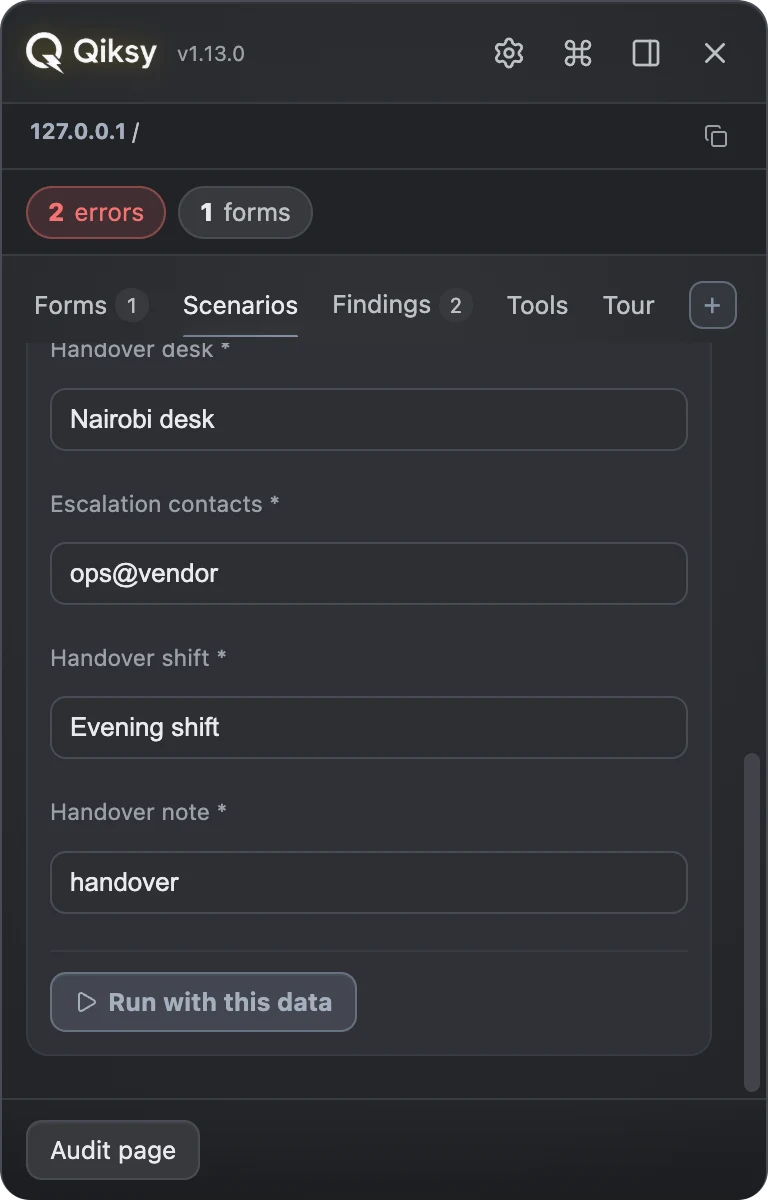
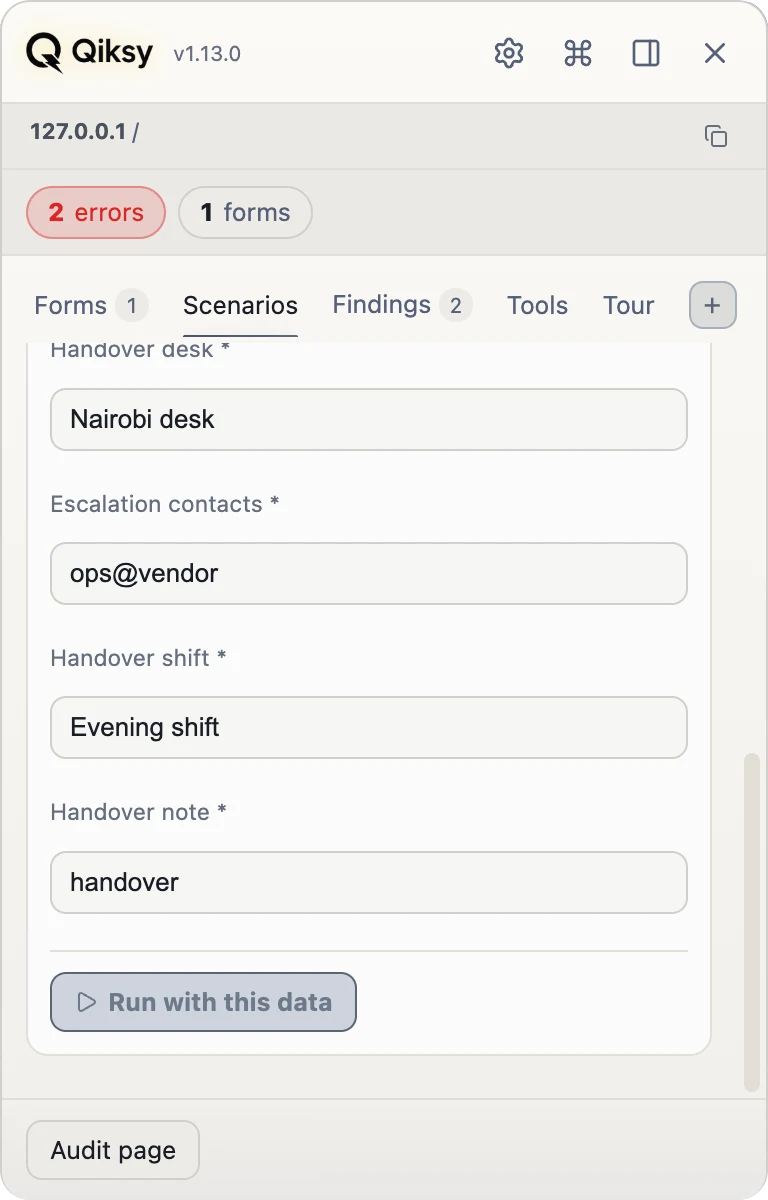
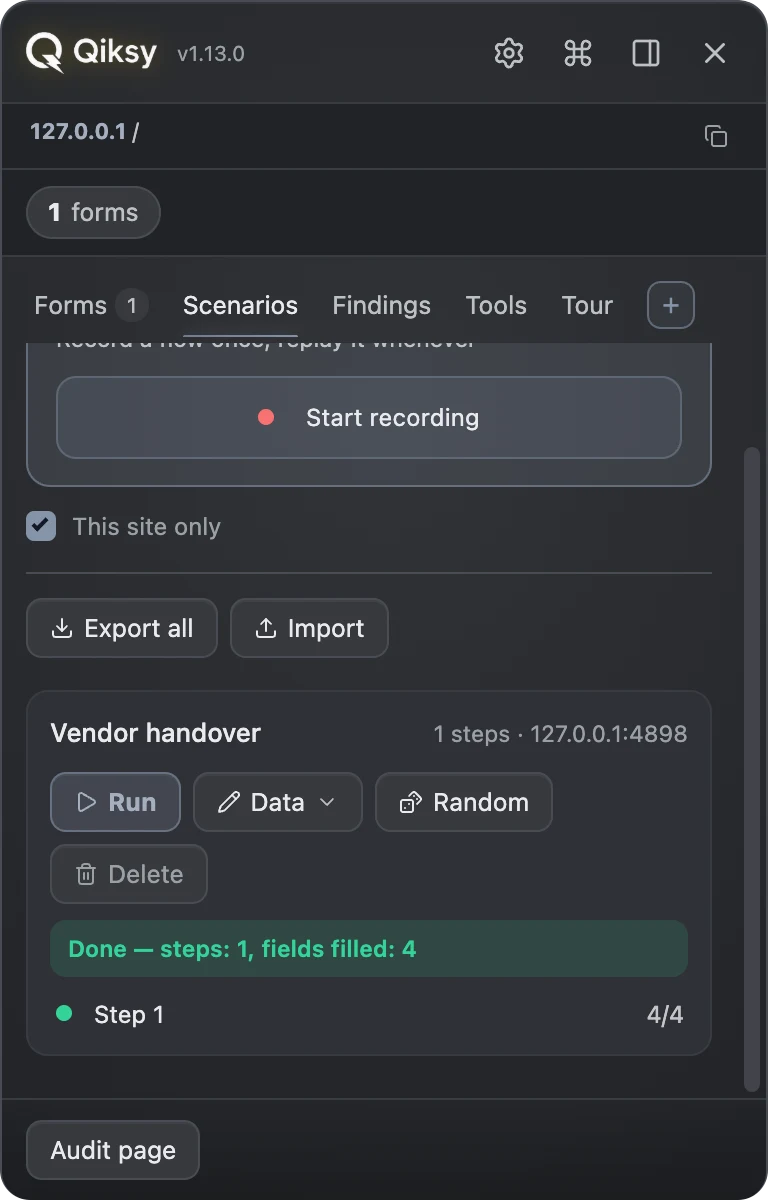
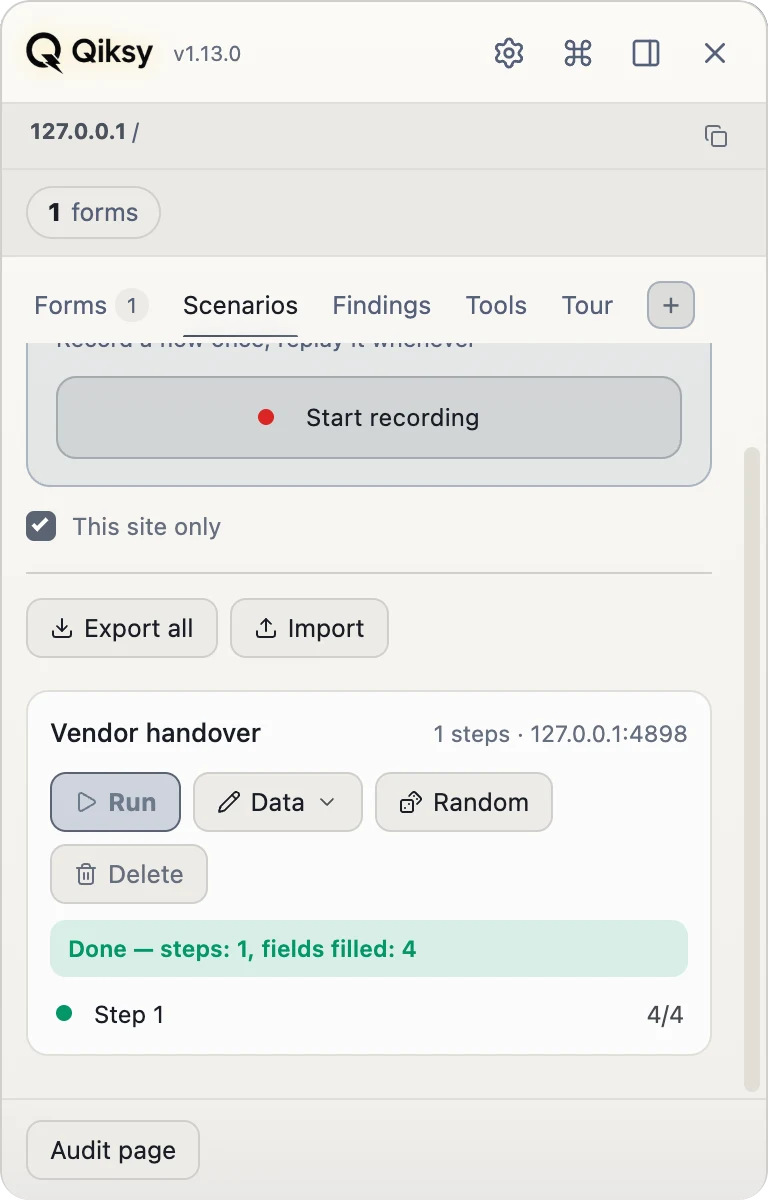
Fill it by hand once, with Qiksy watching. After that it is one press: the same values, the same route, the same wizard steps, and it stops wherever a person would have to look.
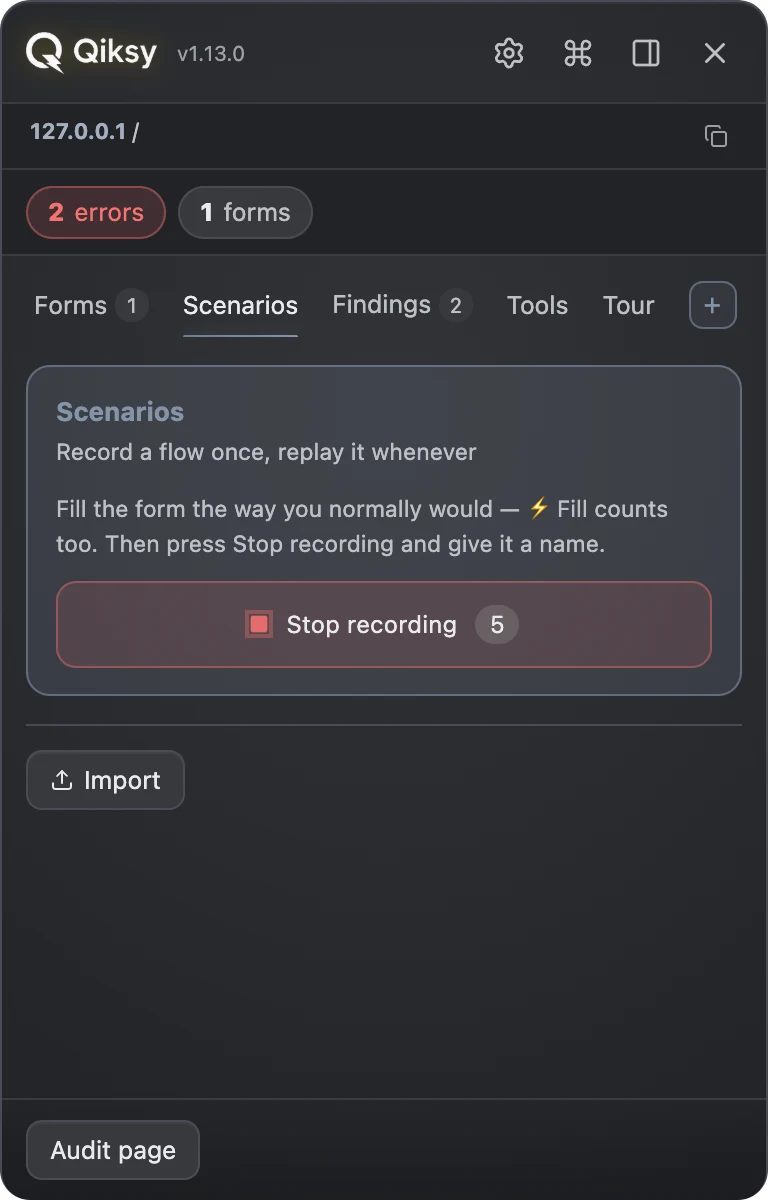
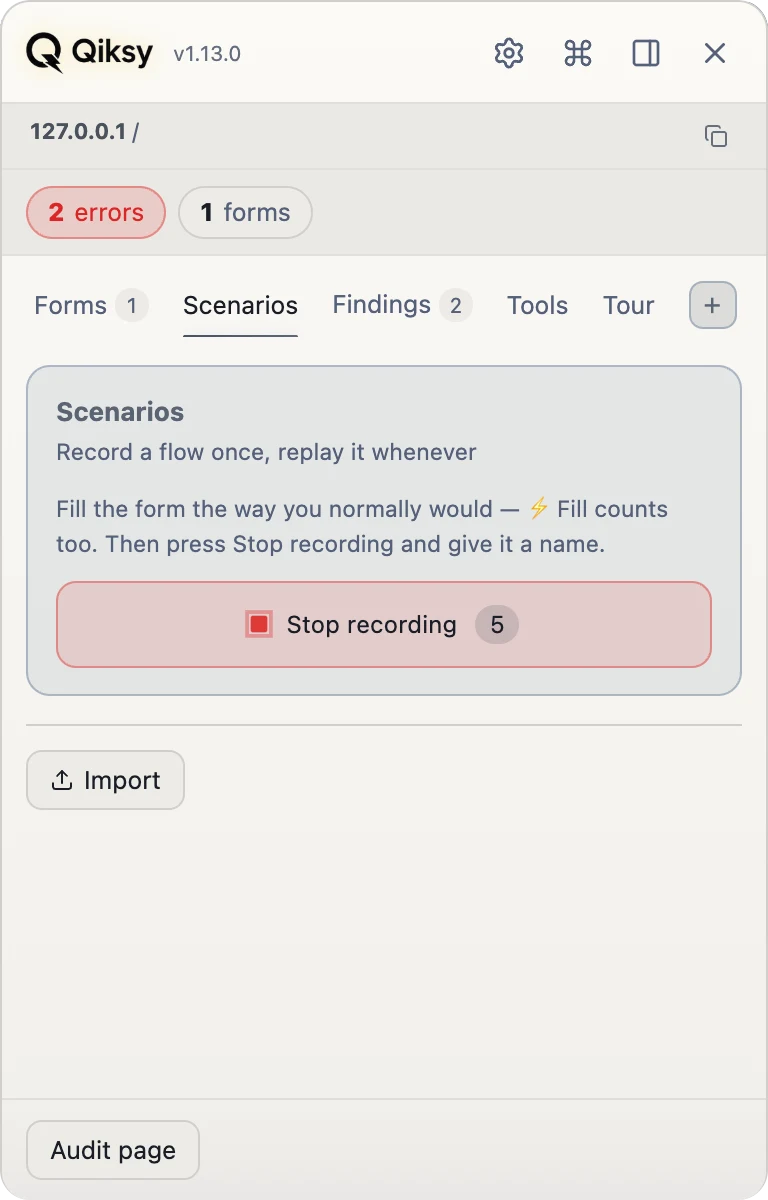
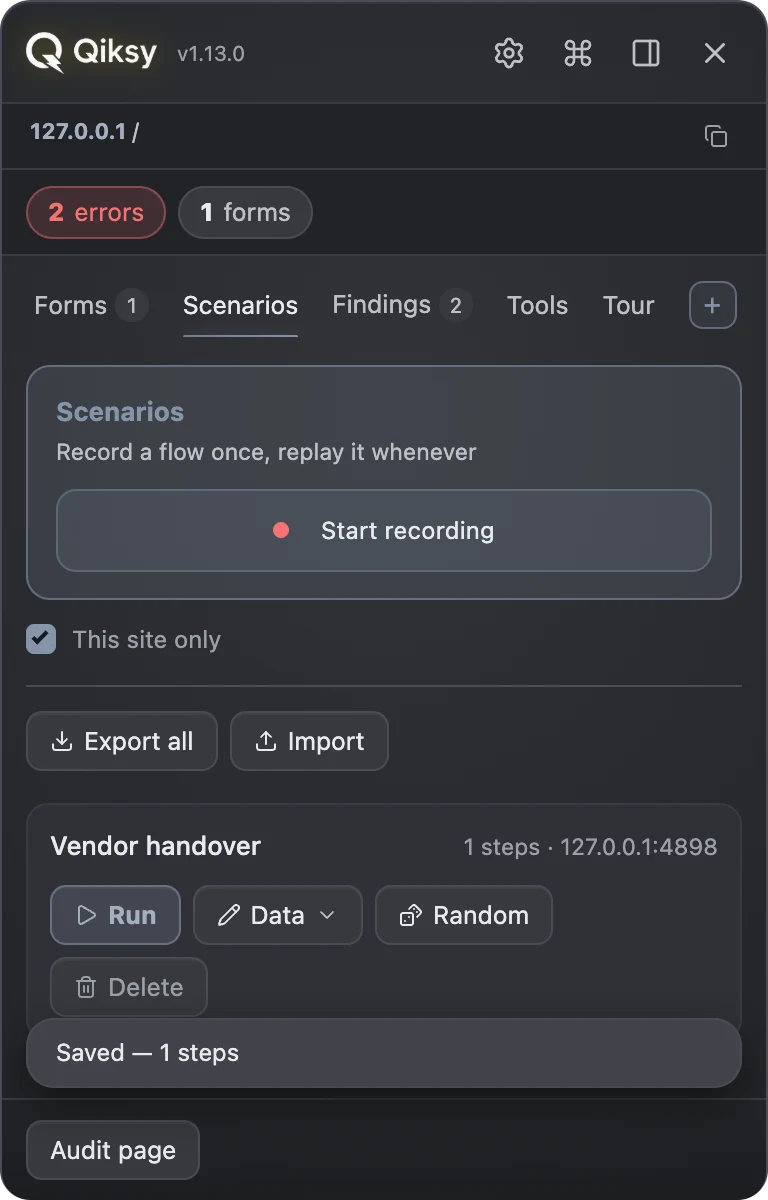
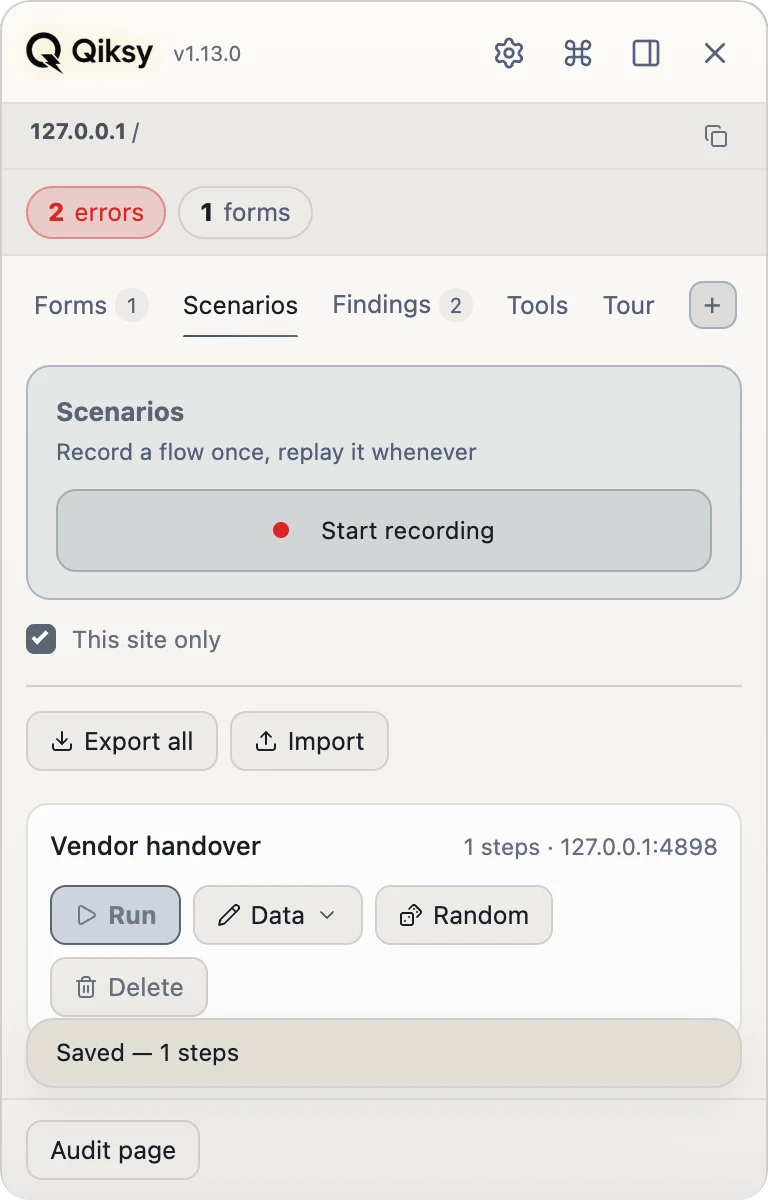
Record it the way you work
Press Record and fill the form as you normally would: by hand, with ⚡ Fill, or both. Press Stop, give it a name. Nothing about how you fill it has to change.
Replay it in one press
The values go back into the fields they came from and the step’s own Next is pressed. If a field the page no longer has turns up, the run stops and the verdict NAMES that field, because a green “done” over a half-filled form is worse than a plain failure.
It follows the route you walked
A flow is rarely one page: the next step of a wizard, a sign-in hand-off, a payment page on somebody else’s domain. The replay follows the same route in the same tab, and waits for your Continue at every page boundary, because a page that just loaded is not a place to type without being asked.
Same flow, different data
{ } opens the run’s data as a plain list of fields, so you can change an email, a date, a company; 🎲 refills them with fresh plausible values. One recording covers a regression pass, and an upload field can carry a file of your own.
Passwords are not in it
Passwords and card numbers are recorded as fields, never as values, because a scenario is a file you can export and send. The replay stops there and asks you to type it, and an imported scenario is stripped of every address that leaves its own site before it can run.
The report is the job. The rest is how you get there.
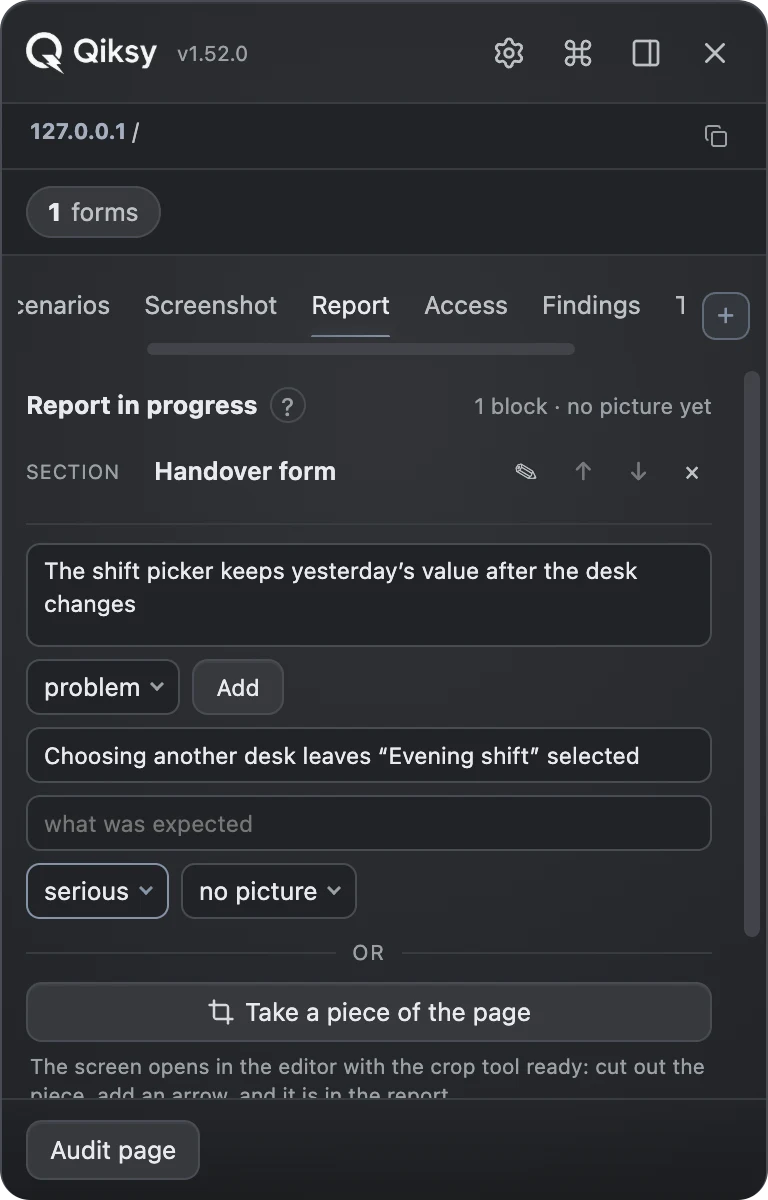
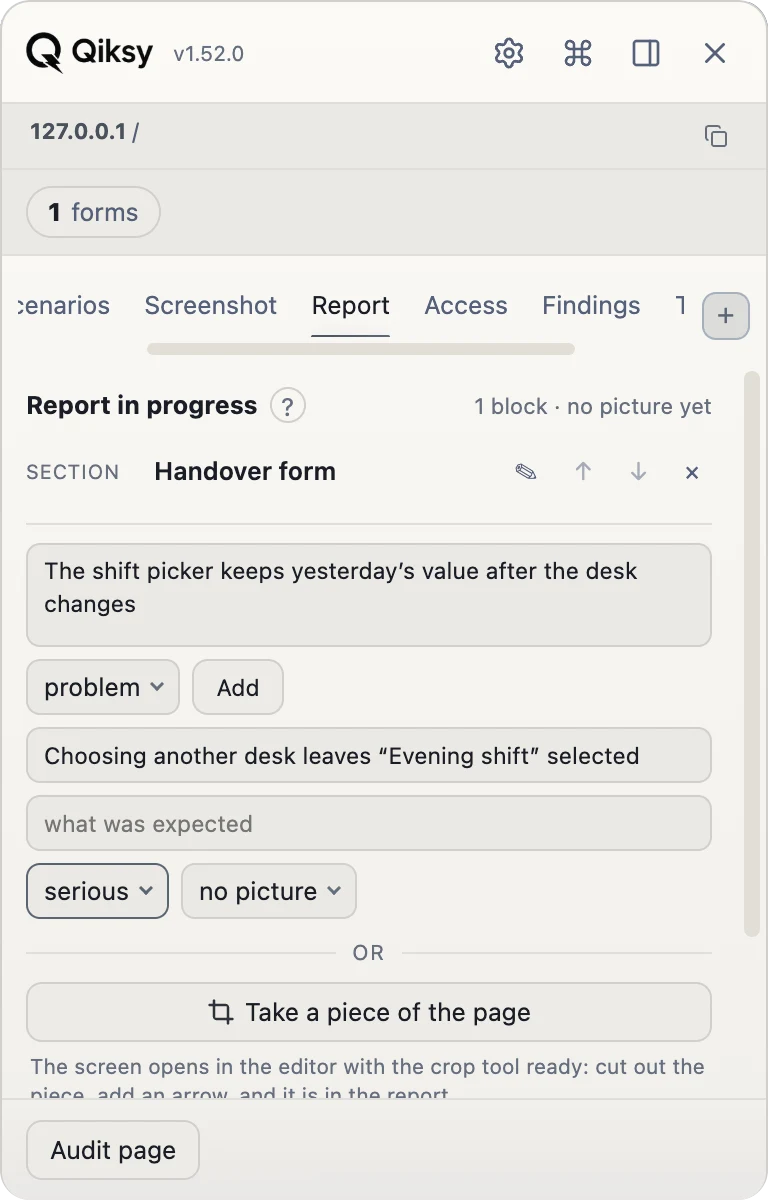
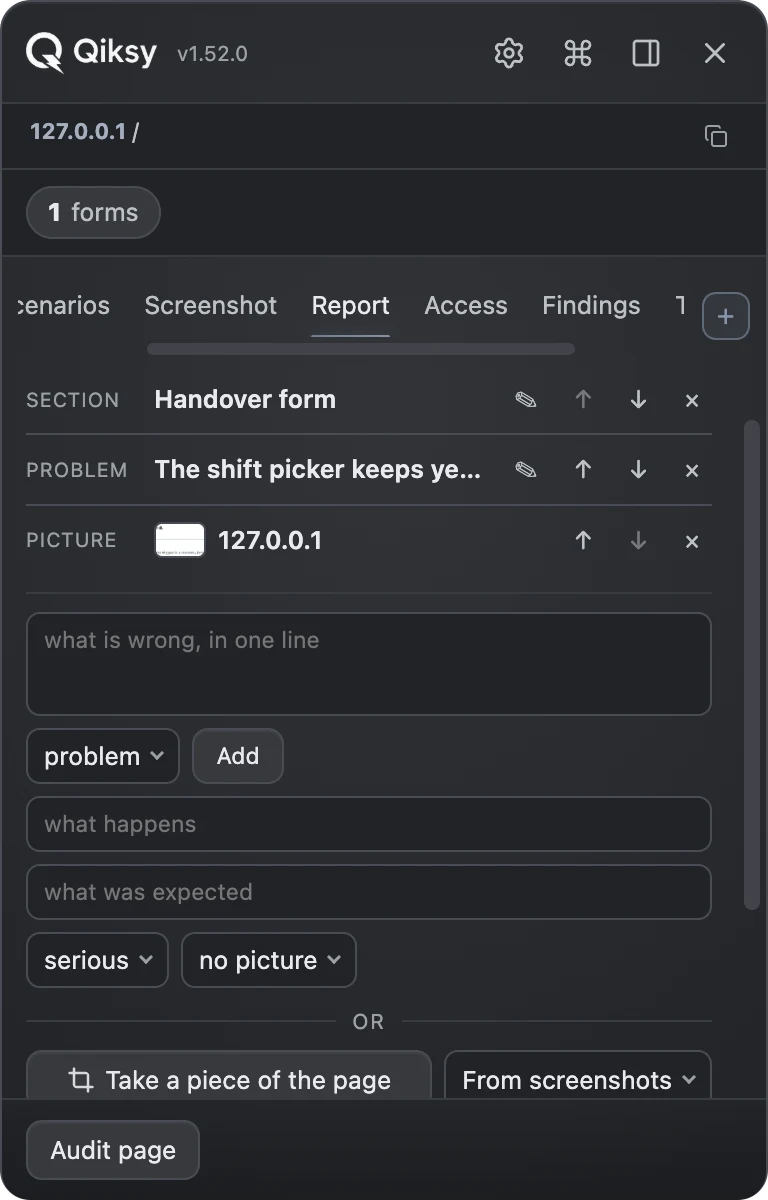
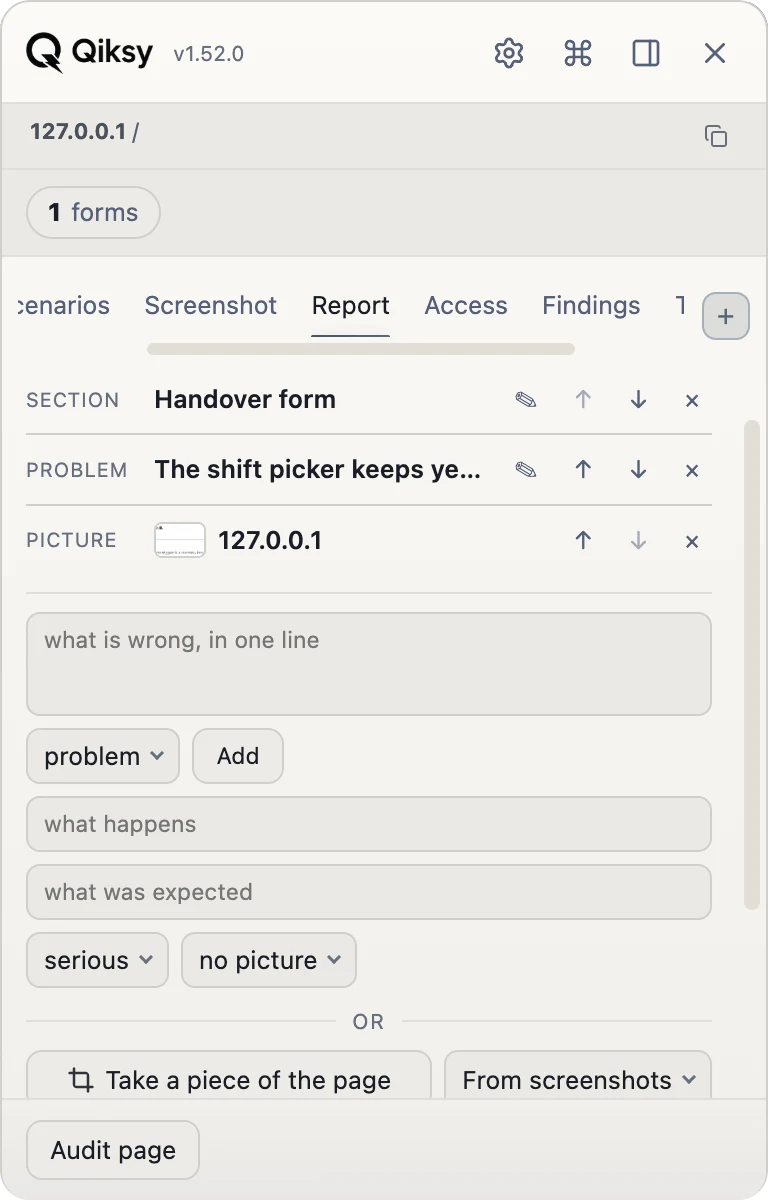
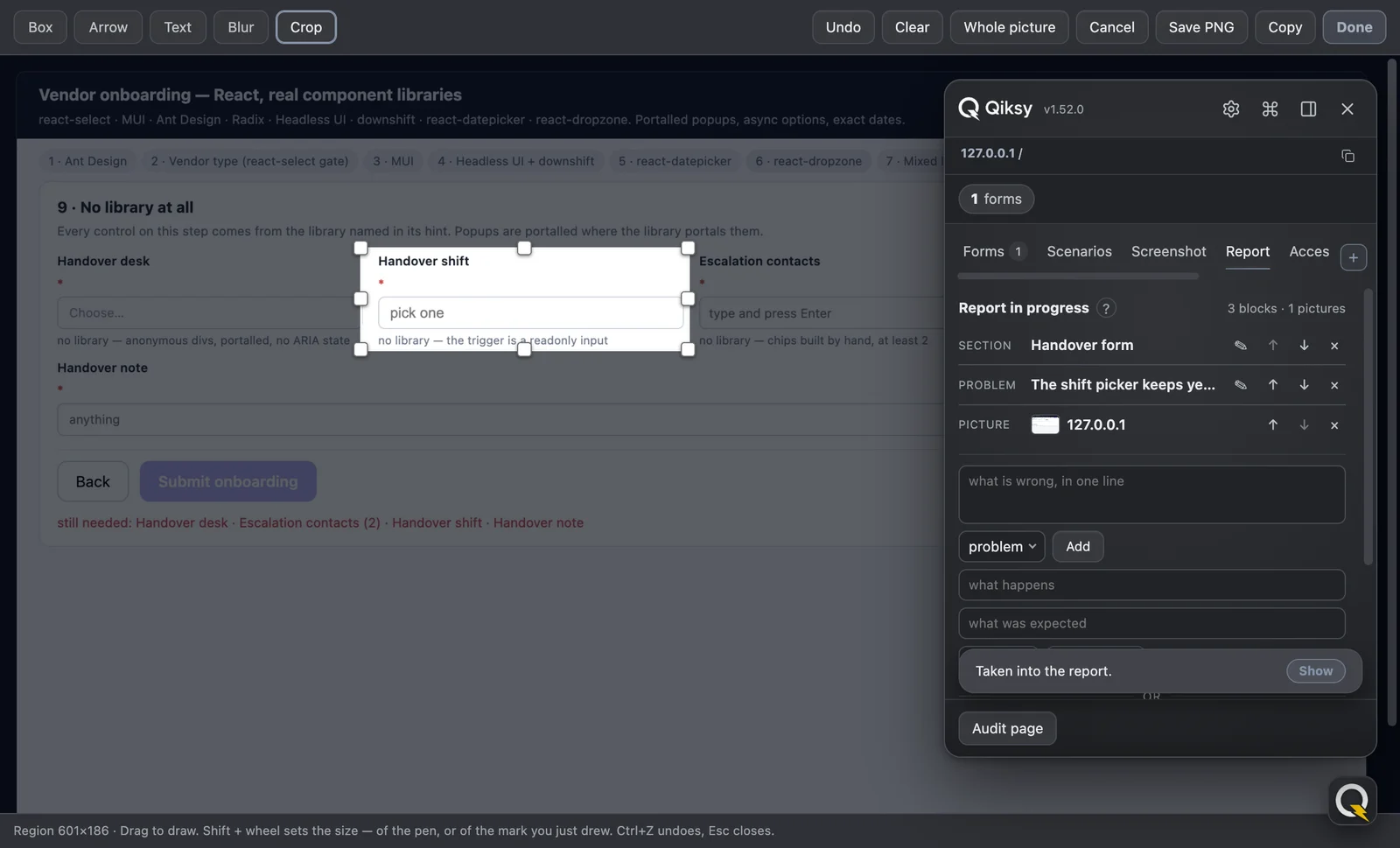
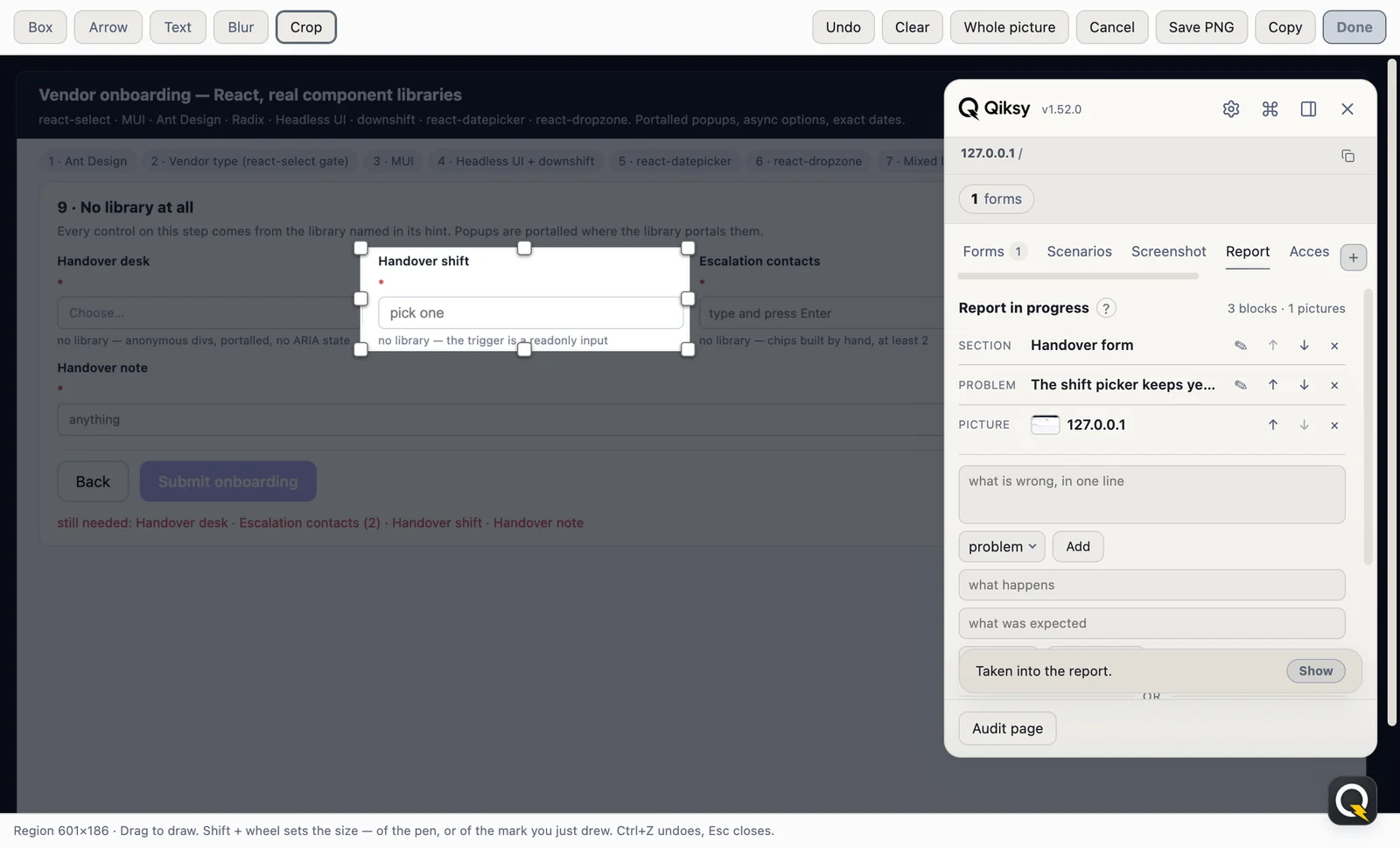
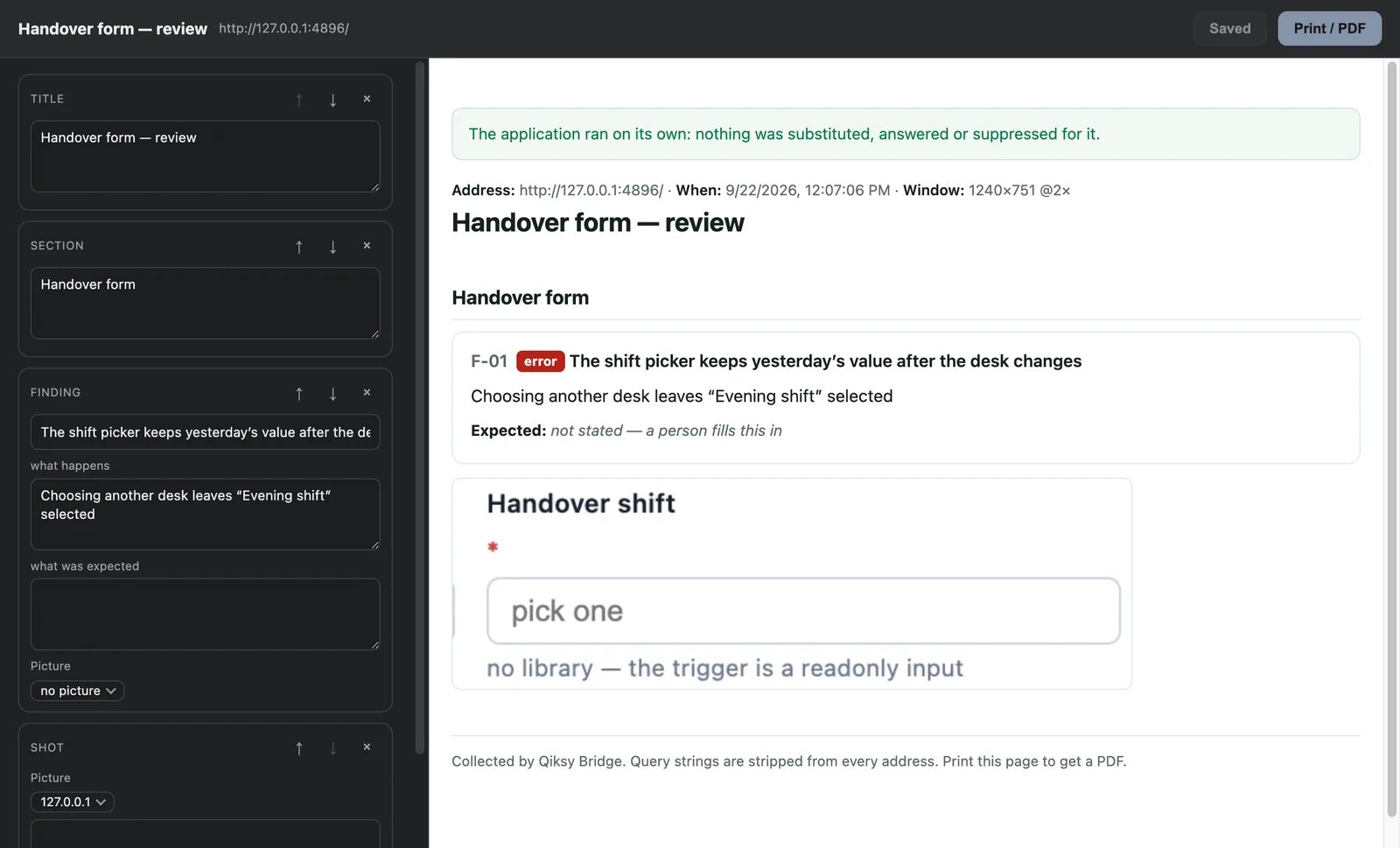
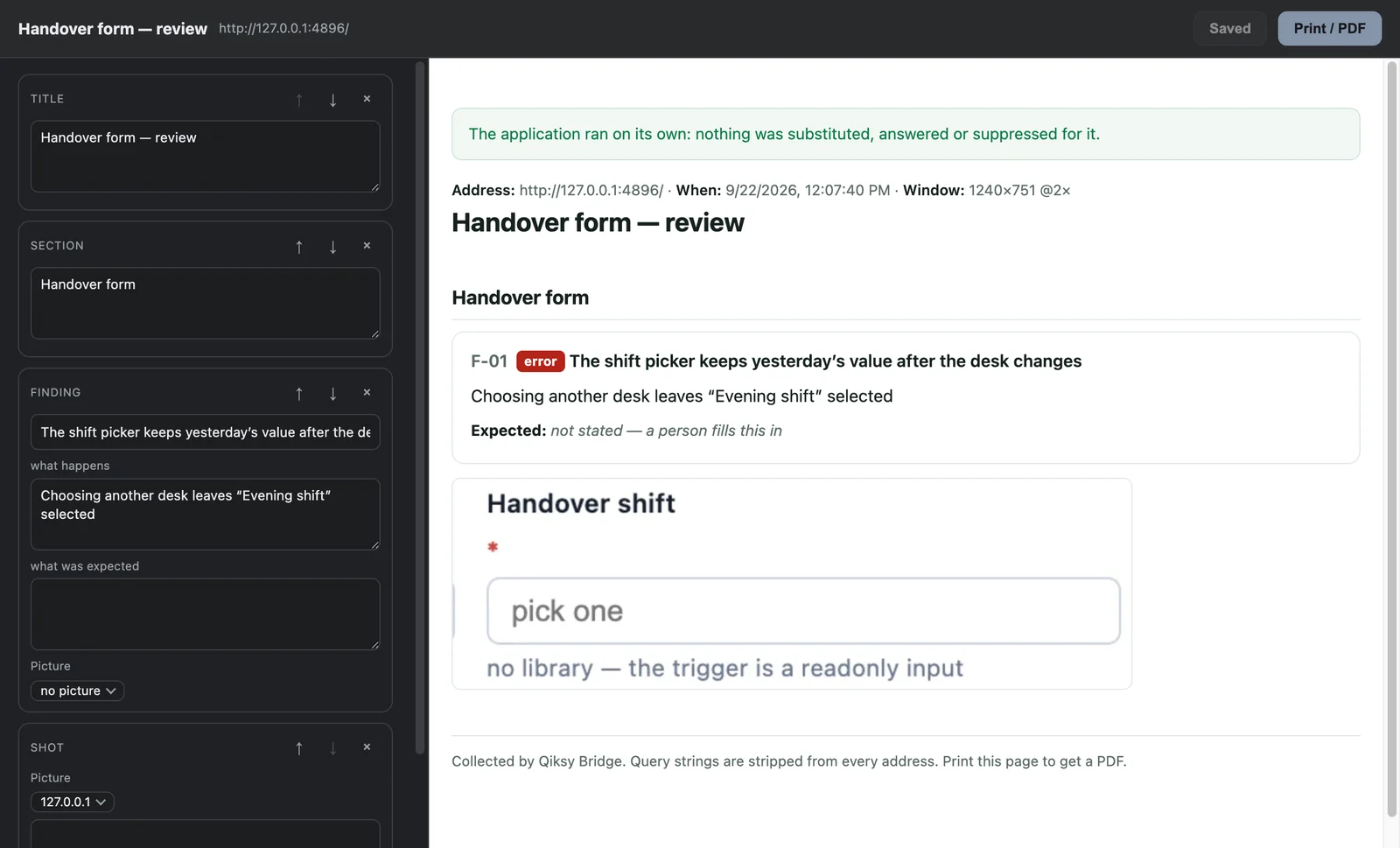
Nobody remembers eight findings until the end of the day, so nobody writes them down. They go into a chat as screenshots and half a sentence. Here the document is filled as the thing is noticed: a line in your own words, a picture cut out of the page, a finding with what happened and what should have. At the end it is one press, and out comes a self-contained HTML page you print to PDF.
It costs one gesture, not an evening
A thought arrives while you are clicking through an application, and it costs one field and Enter. Eight thoughts cost eight keystrokes. That is the whole difference between a report written as the work happens and one assembled from memory afterwards.
The picture is evidence, not decoration
A document cannot be built without one. A page of claims about an application that shows none of them is the artefact this tool exists to replace, and a screenshot name is never handed out twice, so a finding can never end up over a picture of a different moment.
Nothing is burned in
Arrows, text and the crop are kept as DATA beside the clean picture: move the arrow tomorrow and every report that names that shot changes with it. The document is rebuilt from its own blocks, so fixing one word never means building the whole thing again.
It is still here an hour later
Finished reports stay in the extension under a name, so you can open one, print it, save it, or use it as the shape of the next one. And when the browser runs out of room it says so and keeps your work, instead of quietly dropping it.
Both hands, one report
And this is the part no other tool on this page has. The very same draft is reachable from your coding agent through the bridge: qa_draft reads the lines, qa_draft_add writes one, qa_draft_edit rewrites it, qa_draft_build turns it into the document. So you photograph the broken total and the agent writes the finding under it, or it collects the evidence while you keep testing and you fix the wording at the end. Not two reports to reconcile, but one pile, two hands.
One call, not ninety-five
The same 94-field form, filled twice, and both sides speak MCP, the way your agent actually drives a browser. Qiksy takes one call. Playwright MCP takes ninety-five.
Nothing here is slowed down or sped up. Both drivers are real MCP servers and both act on the same browser and the same tab: qiksy-mcp over its local WebSocket, and @playwright/mcp attached over CDP, which is the generous setup for it, since on its own it launches a fresh blank browser first. The page times itself, first keystroke to submit, and the stand is in the repository, so you can run it yourself.
And the honest part, because you will measure it yourself. Compared against a pre-written Playwright script we lose: that is code in your own test process, with no agent and no protocol, and it fills this form in about 0.4s. That comparison was on this page until today and it was the wrong one, because a library is not a bridge. Against Playwright MCP, which is what an agent actually holds, the numbers above are the median of three runs. One more thing we are not hiding: Playwright MCP also has a batch verb, browser_fill_form, and with it the same form goes in about 0.7s in two calls, but the agent has to build that list of ninety-four fields and their types itself. Ours takes a plain label → value dictionary and works out the rest, and the count stays at one whether the form has ten fields or two hundred.
Speed is the smaller half. The bigger one is whose browser it runs in.
Your agent can already open a URL: that is one line of shell, and it lands in the browser you are signed into. What it cannot do is look at what opened: not whether the page loaded, not whether you are still logged in, not what the error says. Playwright can look, but only inside a browser it launched itself, with a blank profile you were never signed into. Those are the two halves everyone chooses between.
| How the page opens | Whose browser | Agent sees the page | Agent acts in it |
|---|---|---|---|
open <url>, plain shell | Yours, already signed in | No | No |
| CDP / Playwright | Its own, blank profile | Yes | Yes |
| Qiksy | Yours, already signed in | Yes | Yes |
Qiksy is the row with both. It never launches a browser and never takes your window. It works inside the tab you already have open, which is why the session it reads is the real one: your roles, your permissions, the staging environment behind SSO, the customer account you cannot re-create in a fresh profile.
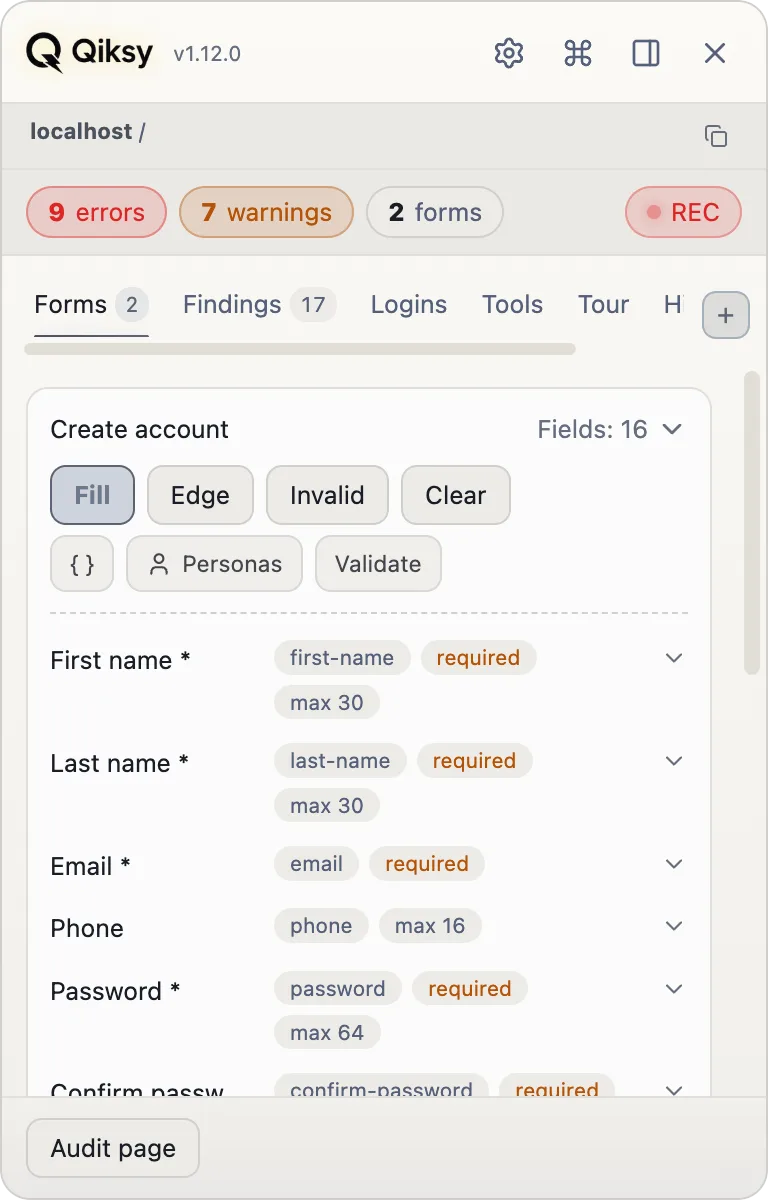
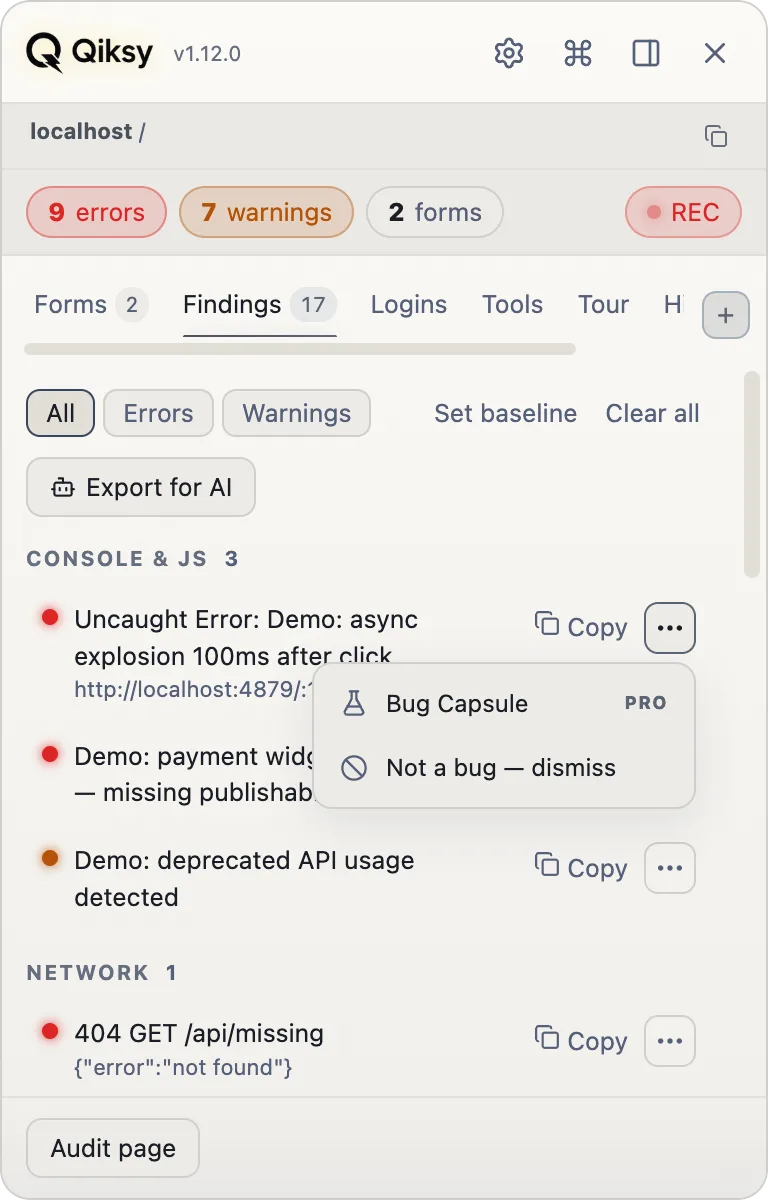
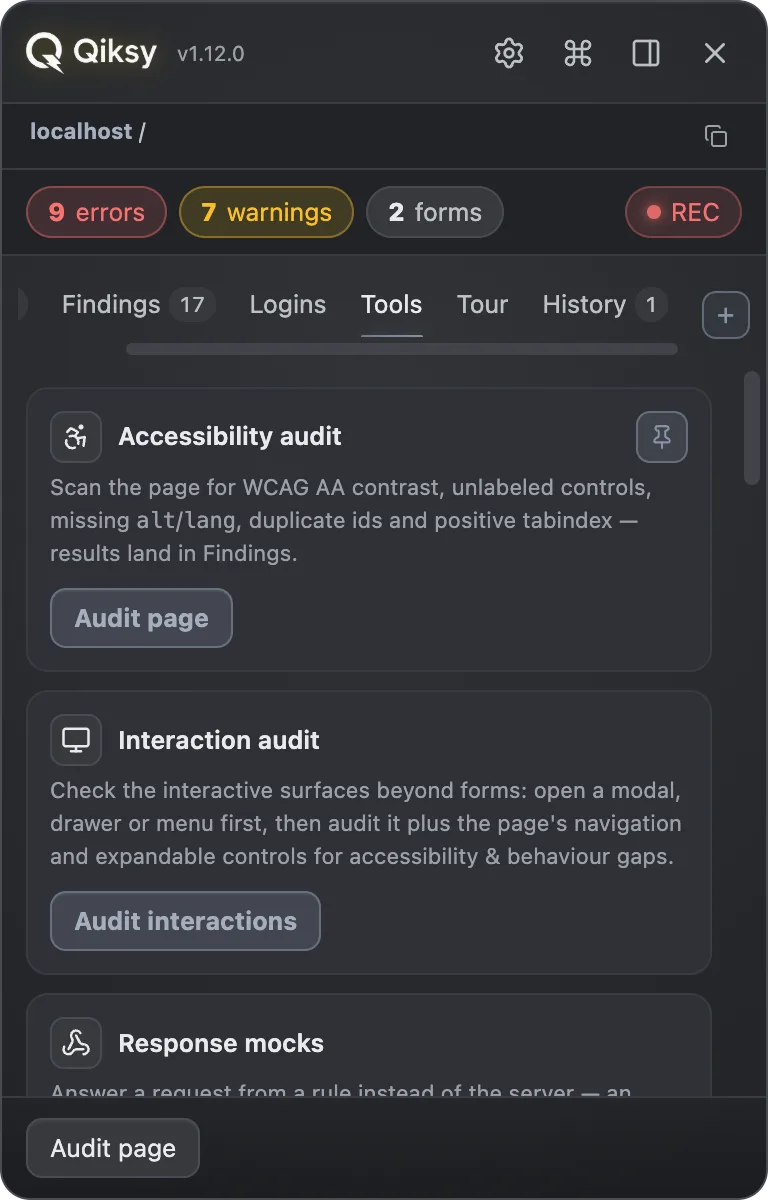
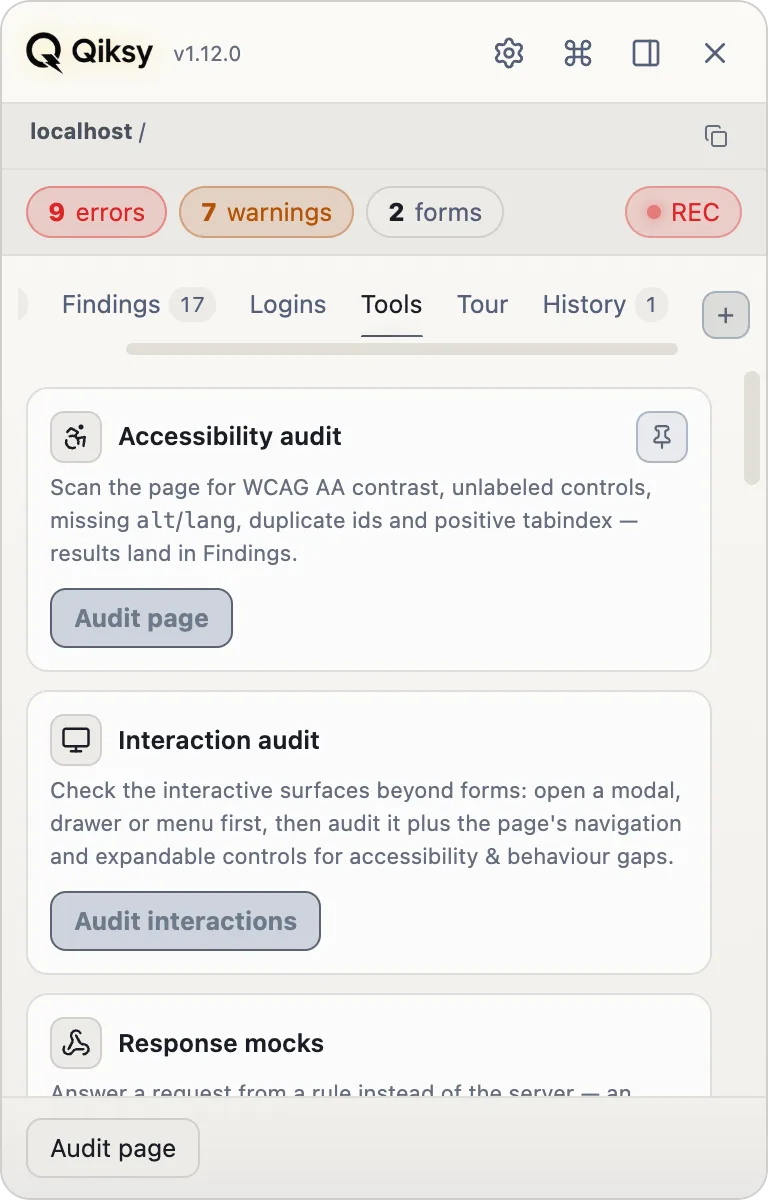
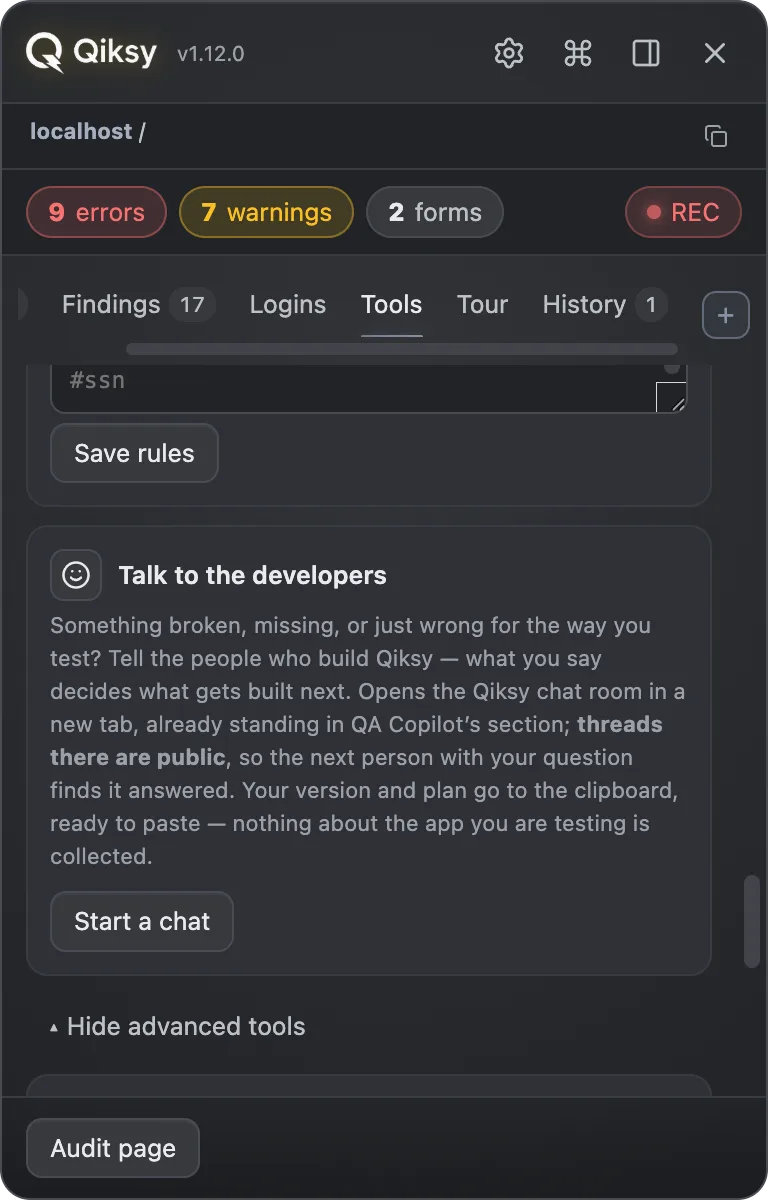
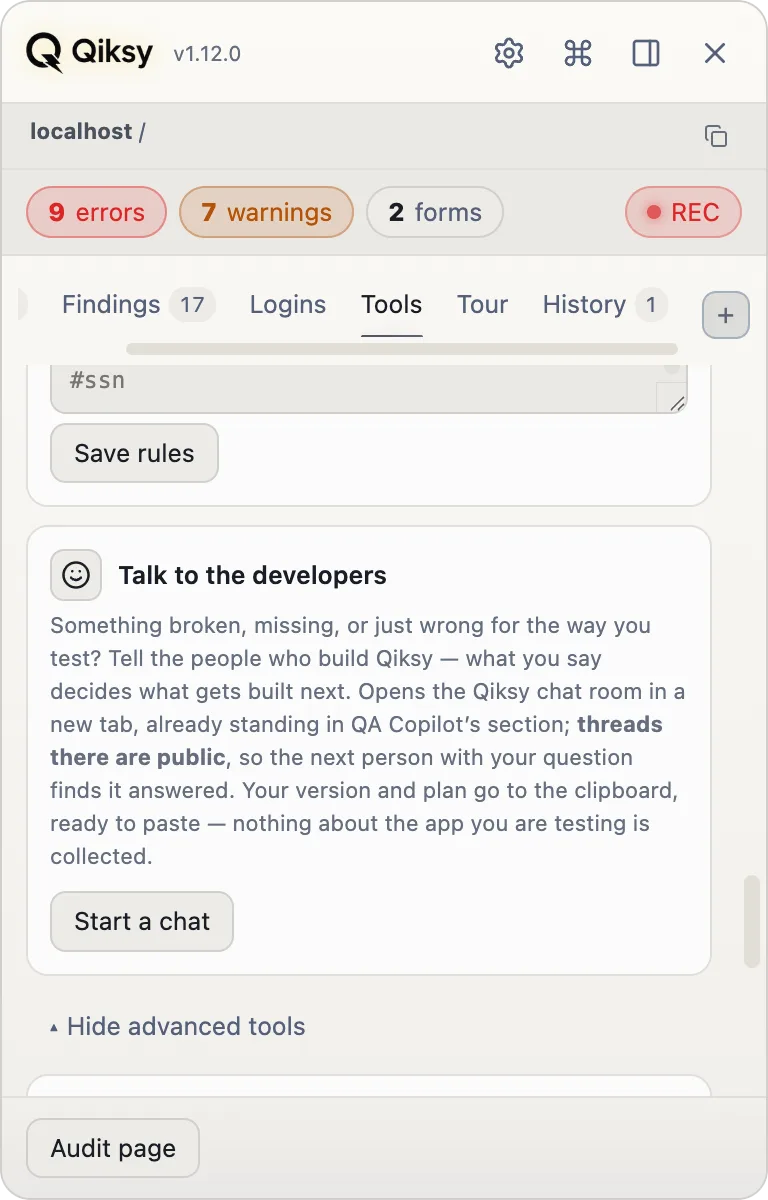
One panel. Every QA move.
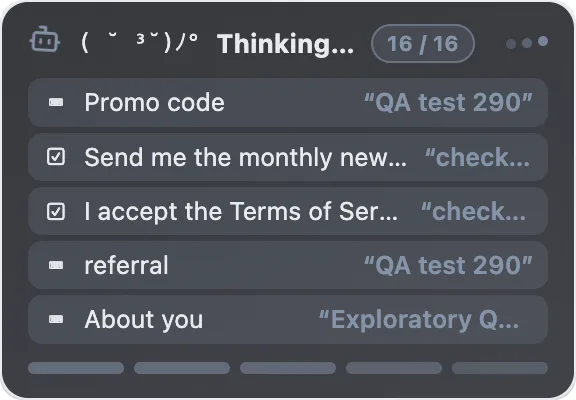
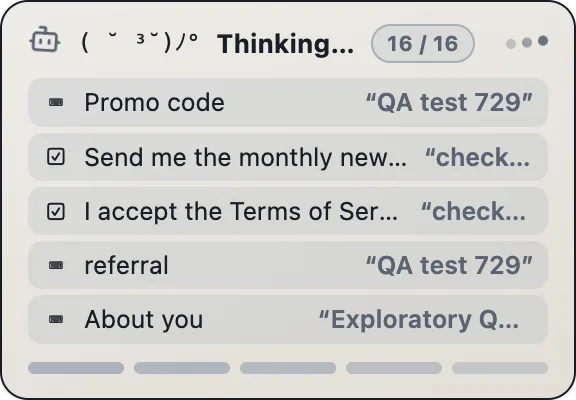
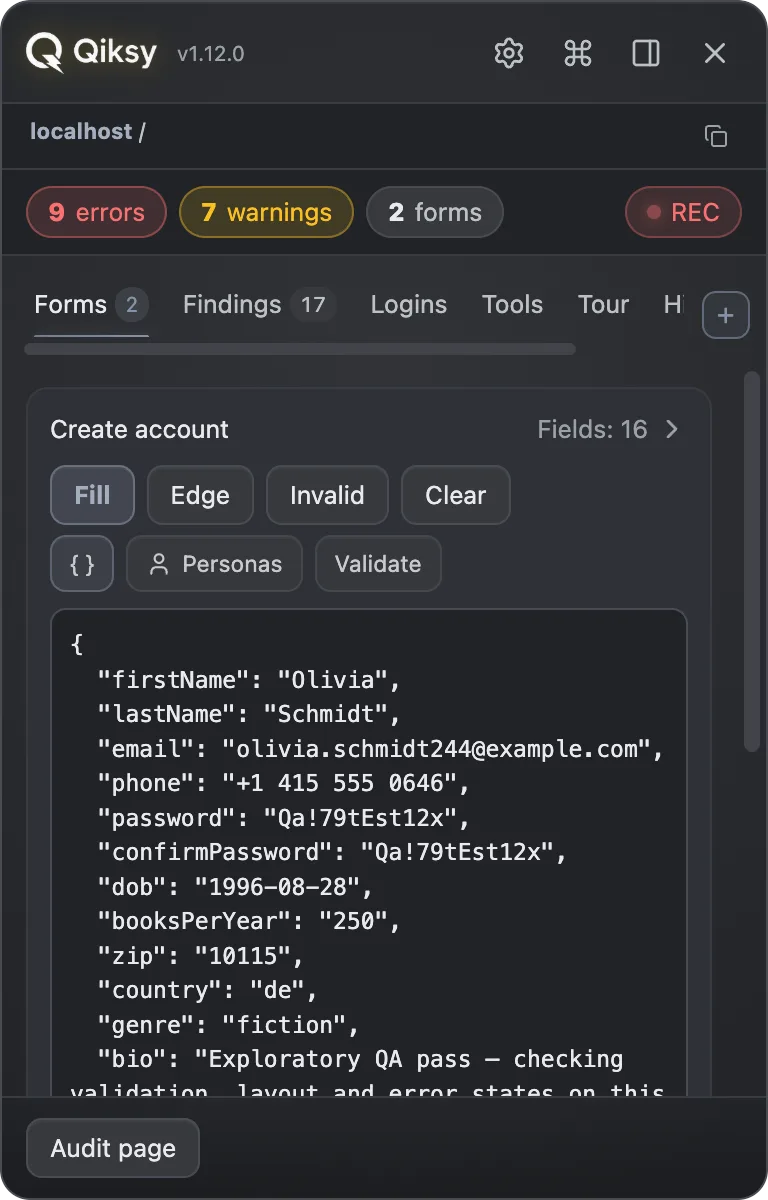
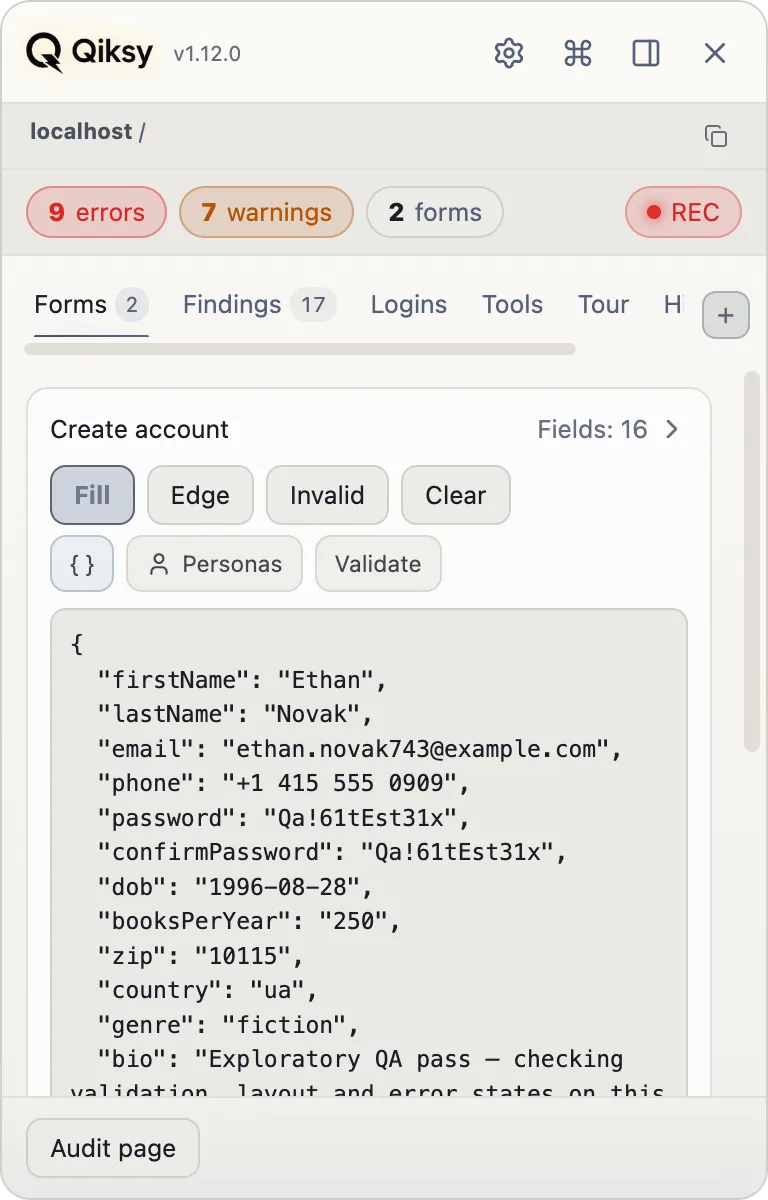
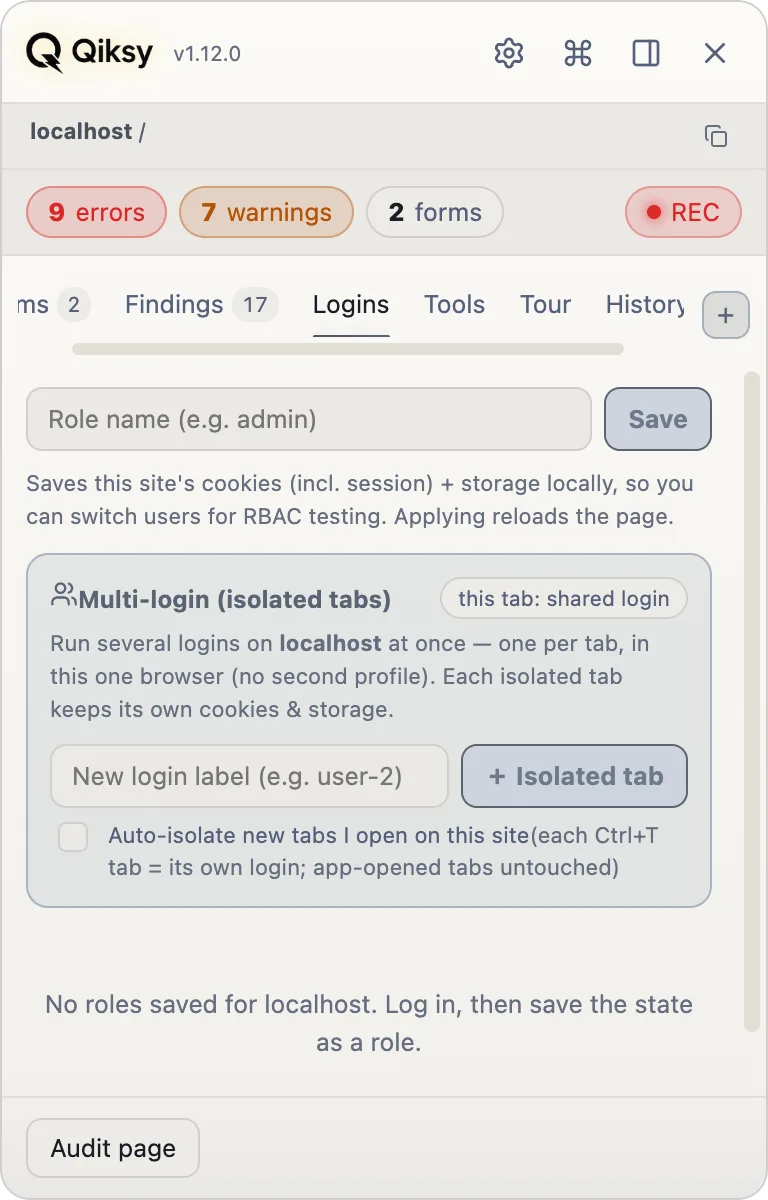
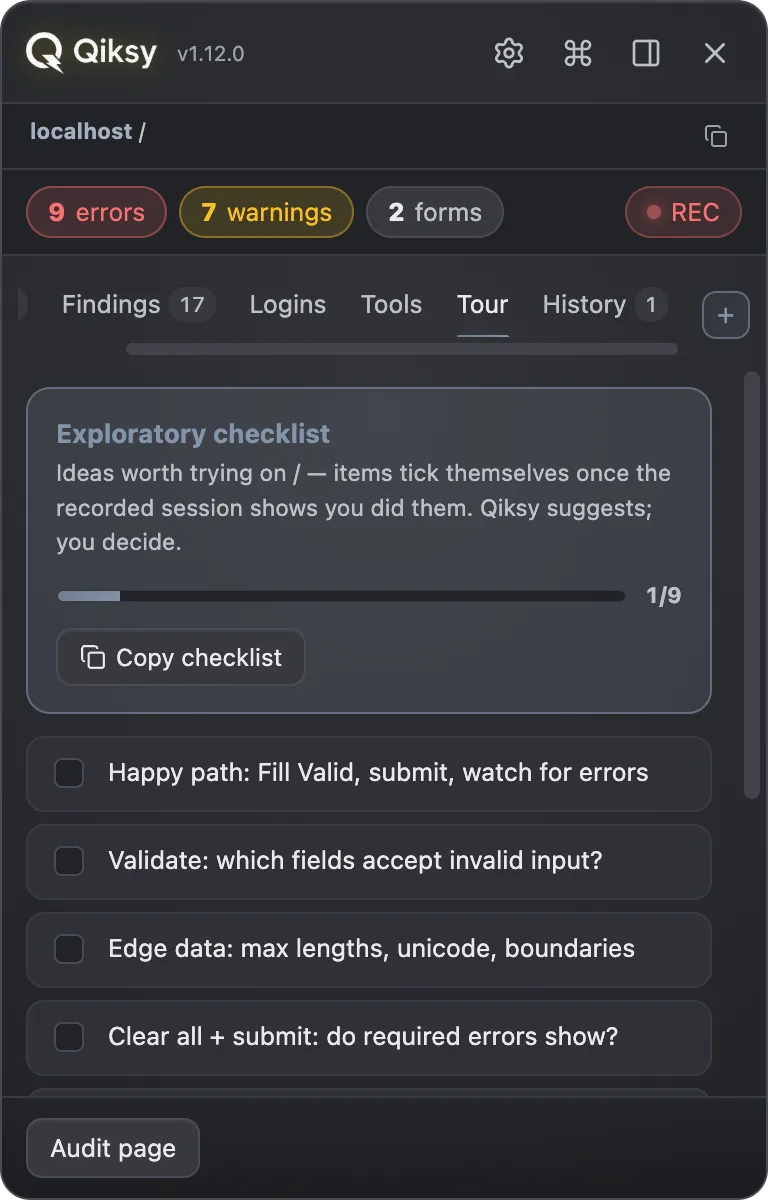
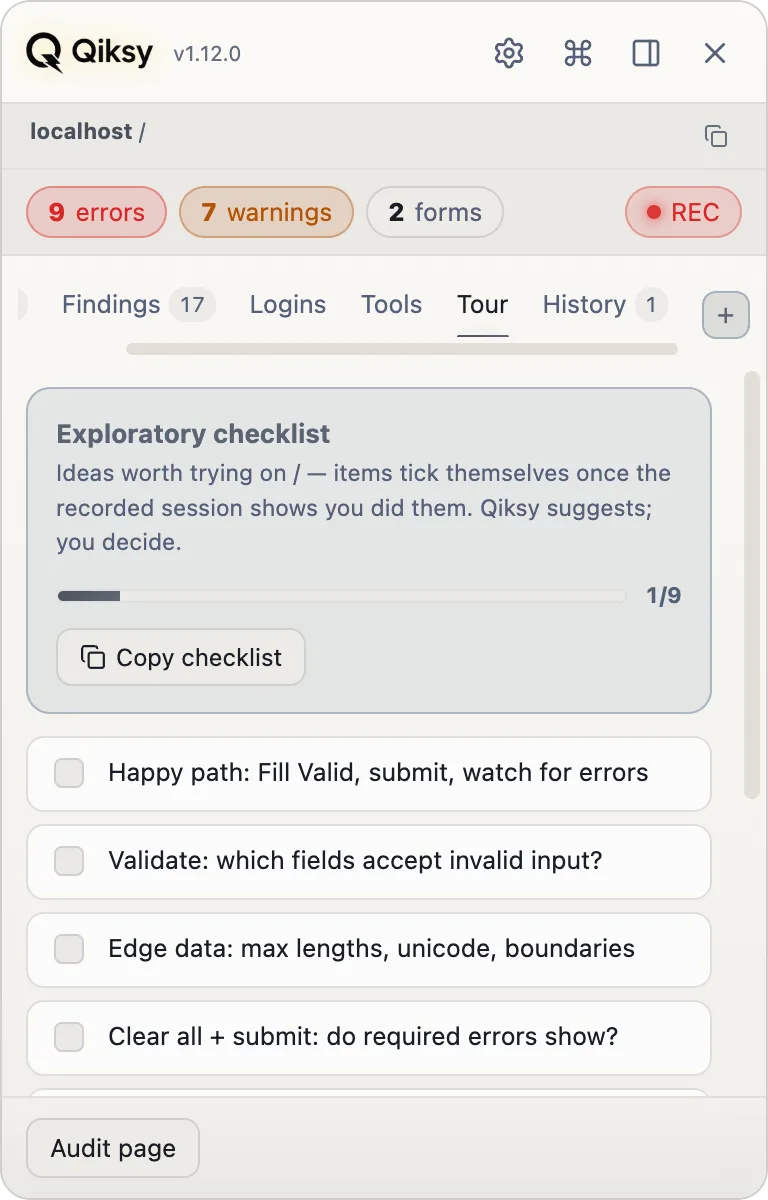
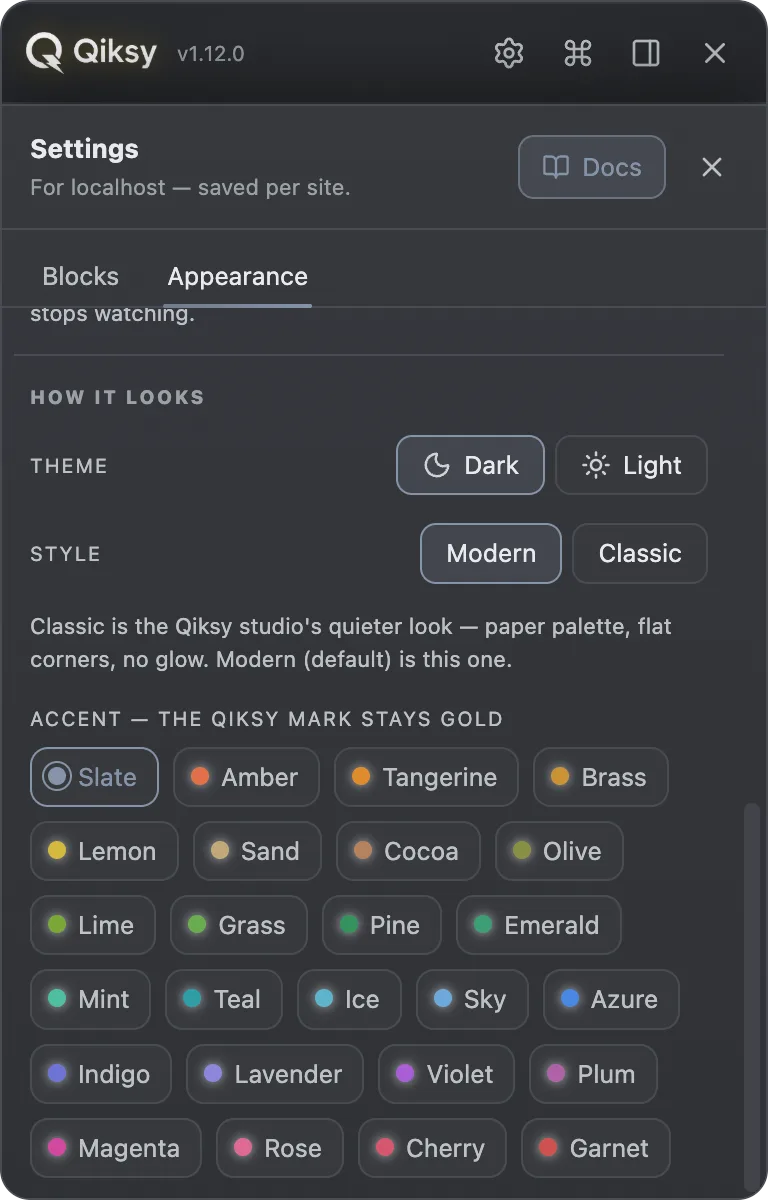
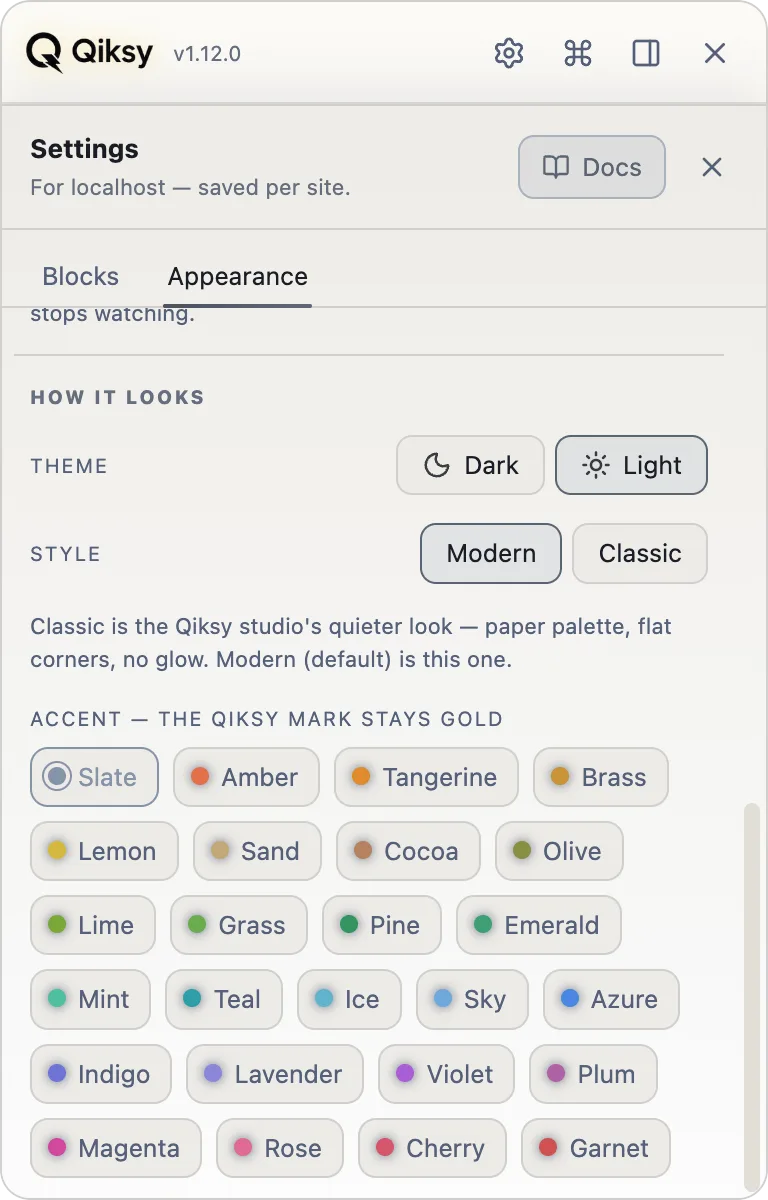
Forms, findings, audits, roles, coverage and a full session history in one keyboard-driven cockpit. Dark or light, themeable to any accent; the golden bolt always stays the signature.
Hand the whole QA context to your coding agent.
A vendor-neutral MCP server lets Claude Code, Cursor, Cline, Windsurf, Zed or VS Code read the live QA state straight from the browser: findings with CSS selectors, detected forms, failed requests with server bodies, recorded repro steps. Say "fix what Qiksy found on this page" and the agent already has everything. It can also drive Qiksy's own surfaces, meaning open the panel, run the audit, pull the coverage checklist, generate the report, and, once you switch on Agent control, the app you're testing as well. Off by default: you stay the driver until you decide otherwise.
npx qiksy-mcp📦 Published on npm · npmjs.com/package/qiksy-mcp →Everything your agent can do inside the browser you already have open.
No second browser, no re-login, no lost session. Reading is free and needs no permission; acting is one switch you flip yourself.
It sees
Free · no consent- The page as a treeEvery control, landmark and heading with its role, name and state, plus a stable ref to act on.
- Real geometryEvery box in CSS pixels. That's how it says “cut off”, “overlapping”, “a 28px tap target” with no screenshot.
- Styles and design tokensThe computed style, and which token a colour came from.
--accent, not justrgb(37,99,235). - What actually brokeConsole and JS errors, failed requests with the server's error body, speed and layout shift.
- The app’s storagelocalStorage and sessionStorage: feature flags, cached state, the session token.
- Accessibility, for realThe full axe-core engine in the live page, plus the keyboard route walked Tab by Tab.
- A picture of the whole pageTop to bottom, however long the page is: scrolled, photographed a screenful at a time and stitched. Passwords and card fields are covered first.
- A table, not a pageName the rows and the columns, such as every item with its price or every field with what it currently holds, and that is one answer instead of a dozen reads.
- What happens nextWatches for a few seconds, so a toast that appears and leaves, a request fired by a timer or a screen-reader announcement is not missed. Every watch expires on its own.
- Search inside a screenshotEvery word the page was showing is written invisibly over its own pixels, so Ctrl+F works in the picture. This is not recognition; the text was never lost.
It acts
Pro · Agent control- Fills any formA whole wizard step in one call: you hand it the values as JSON, it resolves the labels itself.
- Every widget kindAnt, MUI, Radix, react-select, downshift: dropdowns, calendars, cascaders, trees, tags and time, each with its own verb.
- Clicks, types, and answers with the diffWhat appeared, what changed, what the click just opened, so it never has to guess whether it worked.
- Signs in through Microsoft, Google, OktaIt is your browser: you are usually signed in already, and the tab the provider opens joins the session by itself.
- Several logins at onceOne cookie jar per tab, one browser, no second profile: admin, member and anon side by side.
- Uploads real filesBy path from your machine: a whole step’s attachments in one go, and the bytes never enter the agent’s context.
- Navigates and waitsGoes to a route and waits for the page to settle before the next move. Only inside the tabs you attached.
It shows & remembers
For you, not for the log- Puts the tab in front of youRaises the window and outlines the element it means, so the walkthrough happens where you are looking.
- Remembers a long formSaves the flow as a recipe keyed by field name, then replays it next session: a call per step instead of a discovery.
- Hands you the artefactOne self-contained HTML report, your acceptance criteria first and the evidence under each.
- Proof you can attachThe whole page as one picture, with your arrows and captions burned in, or the screen recorded to an MP4 that plays anywhere, with your voice on it.
- A recording you read, not watchThe video arrives with the moments the page had: clicks by name, failed requests with the server's answer, what a screen reader was told. Click one and it jumps there.
No screenshots. It has measurements, not an image, so “does this look right” is a question for your eyes. No arbitrary JavaScript, which is a Chrome Web Store rule and the reason every command names an element, never a program. Everything else happens in the browser you are already logged into.


| Tool | What it returns |
|---|---|
qa_tabs | Every tab Qiksy can read, incl. which are isolated multi-login sessions, so an agent can compare what admin vs. member vs. anon each see. |
qa_status | URL + error / warning / form counts + the isolated-login name. Optional tabId. |
qa_findings | Findings with selectors & detail; filter by severity (all / error / warning). |
qa_export | The full qa-export/v1 bundle: findings, failed requests + bodies, form structure, repro steps, env, and a navigation map (labelled routes the agent can go to by name). |
qa_open_panel | Command. Open/close Qiksy's panel and jump to a tab (findings / tour / history …). |
qa_run_audit | Command. Run the a11y/markup audit on the current DOM and return the findings. |
qa_axe | Command. Run the bundled axe-core engine (the one under Lighthouse) on the live DOM: hundreds of WCAG A/AA rules, every violation with impact, WCAG tags and offending selectors. Fully local, nothing leaves the page. |
qa_focus_walk | Agent control. Walk the page Tab by Tab and report the REAL keyboard route: what a keyboard user can never reach, suspected focus traps, and focus jumps that fight the layout. |
qa_tour | Command. The exploratory-testing checklist, coverage material for writing test cases. |
qa_report | Command. Generate the self-contained HTML session report and return it. |
qa_spotlight | Command. Dim + outline an element by selector so you can see what the agent means. |
qa_focus_tab | Command. Brings a tab in front of you, activating it and raising its window, so a walkthrough happens where you are looking. Scoped to the app under test and its logins; meant for “show me”, not for the agent’s convenience. |
qa_tabs gives each its isolatedSession name + tabId, and qa_export per tab diffs what admin vs. member vs. anon each see. The agent drives inside each login too, because the same tabId goes to qa_fill_json and qa_click, so it acts as that user with no second browser and no re-login. Full tool list in the qiksy-mcp README.- In the extension popup, open MCP bridge, toggle it On, click Generate for a token, pick a port (default 7333), and Save.
- Register the server in your editor with the same token and port. The token is passed via the
QIKSY_MCP_TOKENenv var.
The server is one npx package. Every editor uses the same command; only the file it lives in and a couple of keys differ. Pick yours below and paste.
alarms wake a sleeping service worker to reconnect. No manifest or CSP change needed for ws://127.0.0.1.# run in your project
claude mcp add --transport stdio qiksy \
--env QIKSY_MCP_TOKEN=YOUR_TOKEN \
-- npx qiksy-mcp --port 7333{ "mcpServers": { "qiksy": {
"command": "npx",
"args": ["qiksy-mcp", "--port", "7333"],
"env": { "QIKSY_MCP_TOKEN": "YOUR_TOKEN" }
} } }{ "context_servers": { "qiksy": {
"source": "custom",
"command": "npx",
"args": ["qiksy-mcp", "--port", "7333"],
"env": { "QIKSY_MCP_TOKEN": "YOUR_TOKEN" }
} } }{ "servers": { "qiksy": {
"type": "stdio",
"command": "npx",
"args": ["qiksy-mcp", "--port", "7333"],
"env": { "QIKSY_MCP_TOKEN": "YOUR_TOKEN" }
} } }Wire it to your agent in one paste
The bridge speaks MCP, so any capable agent (Claude Code, Cursor, Cline, Windsurf, Zed, VS Code) can read the live QA state and, with Agent control on, act inside the session you are already logged into.
Full documentation
Install, the panel, isolated logins, the MCP bridge and all twenty-two tools, agent control, troubleshooting.
Read the docs →Tool reference
All twenty-two tools with their parameters and returns, the three gates, and the setup for every editor.
Read on npm →Agent brief
The full copy-paste prompt: how to start a run, the one rule that keeps multi-page runs reliable, and what the agent must not pretend to.
Read on npm →You are setting up the Qiksy manual-QA Chrome extension so you can drive the
human's REAL, logged-in browser: over Qiksy's MCP bridge, and (optionally) over
Playwright/CDP for direct clicks. Go ONE STEP AT A TIME. After each step, ask the
human to confirm what they see before continuing. Whenever you send them to a panel
or popup, FIRST DRAW AN ASCII DIAGRAM of it with the exact control marked "← click".
USE GOOGLE CHROME. Qiksy is a Chrome extension, not Firefox, Safari or Edge. Do
everything in Google Chrome (a Chromium build works, but tell the human to use
Chrome unless they know otherwise).
TWO FACTS THAT MAKE OR BREAK IT, state them up front:
1. The Chrome window must stay OPEN and LOGGED IN to the app under test for the
whole session. The bridge and Playwright both attach to that live window; close
it and the session is gone.
2. To load an UNPACKED (dev) build, the human must be LOGGED IN first, because a fresh/
incognito profile has no session. Log in, THEN load, and keep that window.
STEP 1 · extension
Install Qiksy from the Chrome Web Store, or chrome://extensions → Load unpacked →
the dist folder. Confirm the round Q bubble shows bottom-right on any page.
STEP 2 · the token (DRAW THIS)
Open the toolbar popup and find "Agent bridge · MCP":
+-- Qiksy popup --------------------+
| Assistant overlay [ On ] |
| Agent bridge · MCP [ On ] | <- turn ON, accept the consent
| Port [ 7333 ] Token [________] |
| [ Generate ] [ Copy ] | <- Generate, then Copy (it saves itself)
+-----------------------------------+
Have them Generate -> Copy (the popup saves it automatically), and paste the token to you.
STEP 3 · run the bridge (keep it running in a terminal)
QIKSY_MCP_TOKEN=<paste the token> npx qiksy-mcp --port 7333
STEP 4 · connect you (MCP)
Add the qiksy server to the agent config (Claude Code: claude mcp add --transport
stdio qiksy --env QIKSY_MCP_TOKEN=<token> -- npx qiksy-mcp --port 7333; or the
.mcp.json block from the site). Restart the agent, then call qa_tabs, which should list
the human's tabs. If it says "not connected", the popup bridge is off or the token/
port differ.
STEP 5 · drop the manual into the project
Run "npx qiksy-mcp init" in the project root. It writes the full agent guide to
.claude/qiksy-bridge.md and adds a short block to CLAUDE.md / AGENTS.md, so every
future session starts knowing what the bridge can do.
STEP 6 · Playwright over CDP (optional, and only for two things)
Qiksy drives the browser itself: clicks, whole forms, calendars, uploads, several
logins. The only gaps are SCREENSHOTS and arbitrary JavaScript. If the task needs one
of those, launch Chrome with --remote-debugging-port=9222 (or reuse the open window),
keep it OPEN and LOGGED IN, and point Playwright MCP at http://localhost:9222.
THEN: qa_tabs -> qa_export (forms with MEANING + live findings) -> drive with
qa_fill_json (a whole step per call) and qa_click by name (needs Pro + "Agent control"
on in the panel). A control that refuses is a ladder, not a wall: qa_probe, raw:true,
qa_pick_*, a CSS selector, and never a second browser driver, which would open an empty
browser without these logins. You cannot undo: a click on a real Delete deletes for
real. If a tool says pro-required or consent-required, name the switch the human must
flip, and stop.You have Qiksy over MCP: a manual-QA extension attached to a REAL Chrome window
with the human's logins already in place. It IS the browser for this session: do not
switch to Playwright, Puppeteer, Selenium or CDP because a control looked unfamiliar
or refused once. Another driver opens a DIFFERENT, EMPTY browser, and none of these
logins are in it, so the run stops being the test that was asked for. Exactly ONE
thing is absent here: arbitrary JavaScript (no eval, a Web Store rule, which is why
every verb names an element, never a program). Screenshots ARE here now
(qa_screenshot), with one condition: the browser photographs the window's ACTIVE tab,
so a background tab cannot be photographed and Qiksy refuses rather than handing over
a page nobody asked about. Need eval? Say so, and let the human decide.
Start with:
qa_tabs · which tabs are in the agent session, which are isolated logins
(every tool takes tabId)
qa_snapshot · the page as an accessibility tree with stable refs; fields_only on a
heavy app, geometry:true for every box in CSS pixels
qa_export · forms with MEANING (kind: "email" / "card-number" / "first-name"),
findings, failed requests WITH the server's error body, repro steps
and a NAVIGATION map (labelled routes, current:true on the open page)
Don't scrape the DOM yourself, because qa_export already knows what each field is and where
the app can go. Pick a route from navigation[] and go by href instead of probe-clicking.
A FORM IS ONE CALL PER STEP, never one per field (needs Pro + "Agent control"):
qa_fill_json { fields: { "Full name": "Ada Lovelace", "Country": "Ukraine",
"Start date": "06/11/2024", "I agree": true },
advance: "Next" }
It resolves the labels itself, drives custom dropdowns, calendars, cascaders, trees,
tags and time pickers, and presses Next ONLY if every entry landed. Keys that matched
nothing come back with the page's real field names, so your next call fixes itself.
WHEN A CONTROL REFUSES, the ladder, in order. Don't change tool, change rung:
qa_probe { name } what this widget is and which verb drives it
raw: true write the value straight into its own text input
qa_pick_date / _time / _range / _path (cascader, tree) / _tags
a CSS selector every verb takes one; a portalled popup with no roles
(Ant) is MEANT to be driven that way
qa_click { name } then read the "widget" verdict in the reply and act on it
qa_focus_tab custom popovers only render in the FOREGROUND tab
AFTER ANYTHING THAT NAVIGATES call qa_wait_ready, and press the advance control by
NAME, not by a ref you took before filling: any new snapshot renumbers refs, so an old
one succeeds on the WRONG control. This is the most common way a run goes wrong.
Several logins at once:
qa_open_isolated { url, sessions: ["admin","member"] } → one cookie jar per tab
qa_close_tab { tabIds: [...] } → clean up
SSO works with Microsoft, Google and Okta: it is their own browser, and a tab the provider
opens joins the session automatically. A captcha or a 2FA prompt is theirs: stop and say so.
Saw a long form? qa_recipe_save { name }, and the next run replays it a call per step.
Finish with qa_report { path, spec: { title, story, checks:[{id,text,status,evidence}] } }
It is a self-contained HTML file led by YOUR verdicts next to Qiksy's evidence.
You cannot undo. A click on a real Delete button deletes for real. If a tool says
pro-required / consent-required, that is a switch the human must flip: say which
one and stop.Advanced tools for real client work.
Beyond the everyday panel, Qiksy packs heavier instruments for recording, reporting, RBAC and developer handoff, so a testing session becomes something you can bill for and a dev can act on.
Client-ready reports
One click turns a session into a self-contained walkthrough: spotlighted screenshots, numbered repro steps, coverage and defect tiles. The artefact you hand a client; no back-end needed.
Session recorder & HAR
A cross-navigation timeline with screenshot thumbnails and a per-step network log. Export a full repro bug or a headerless HAR, with nothing sensitive to scrub.
Roles & multi-login
Save auth as named roles, then run admin, member and anonymous in separate tabs of one browser. Test RBAC in minutes without logging in and out.
Bug Capsule
Package a bug as a single repro page carrying the element screenshot, console tail, failed requests, selector and environment, so the developer reproduces it on the first try.
Follow mode
Just use the app. Qiksy watches your clicks and flags errors, dead clicks, rage clicks and slow responses, each pinned to the exact action as a paste-ready bug.
Agent handoff
Feed the raw qa-export/v1 bundle to your coding agent: Claude Code, Cursor or any MCP client reads your findings, form structure and failed requests straight from the browser and fixes them.
All of this is free and stays free: form-fill, findings, audits, the Tour, multi-login, the session recorder, Bug Capsules and the client report. Pro is one thing: the MCP bridge, the link that lets your coding agent read this browser and drive it. Every install gets 28 days of it, no card.
Pairs with MultiLogin Tabs.
Qiksy's Roles & multi-login run several accounts inside one testing session, built on the very same isolation engine as MultiLogin Tabs. When you need every tab in your browser to hold a different account, all day, reach for the full extension.
'/%3e%3c!--%20Shield%20shape%20representing%20isolation/protection%20--%3e%3cpath%20d='M64%2022%20L98%2038%20L98%2062%20C98%2084%2082%20100%2064%20108%20C46%20100%2030%2084%2030%2062%20L30%2038%20Z'%20fill='none'%20stroke='white'%20stroke-width='4'%20stroke-linejoin='round'%20opacity='0.95'/%3e%3c!--%20Two%20separated%20tab%20rectangles%20inside%20shield%20--%3e%3crect%20x='44'%20y='48'%20width='16'%20height='20'%20rx='3'%20fill='white'%20opacity='0.9'/%3e%3crect%20x='68'%20y='48'%20width='16'%20height='20'%20rx='3'%20fill='white'%20opacity='0.9'/%3e%3c!--%20Divider%20line%20between%20tabs%20--%3e%3cline%20x1='64'%20y1='44'%20x2='64'%20y2='74'%20stroke='%236366f1'%20stroke-width='2.5'%20stroke-dasharray='3,3'/%3e%3c!--%20Small%20lock%20icon%20at%20top%20of%20shield%20--%3e%3crect%20x='58'%20y='33'%20width='12'%20height='9'%20rx='2'%20fill='white'%20opacity='0.9'/%3e%3cpath%20d='M61%2033%20L61%2029%20C61%2026%2063%2024%2064%2024%20C65%2024%2067%2026%2067%2029%20L67%2033'%20fill='none'%20stroke='white'%20stroke-width='2'%20stroke-linecap='round'%20opacity='0.9'/%3e%3c/svg%3e)
MultiLogin Tabs Companion extension
Run multiple accounts on the same site in one browser window, with no incognito and no separate profiles. Assign each tab to a named session and it gets its own fully isolated environment.

Test faster. Report smarter.
Install Qiksy, open any app you're testing, and hit Fill. Qiksy takes it from there.
Add to Chrome, freeManifest V3 · your data stays local · no telemetry
Want your coding agent on it too? Get a 1-year license for $49